Settings
Schema annotations
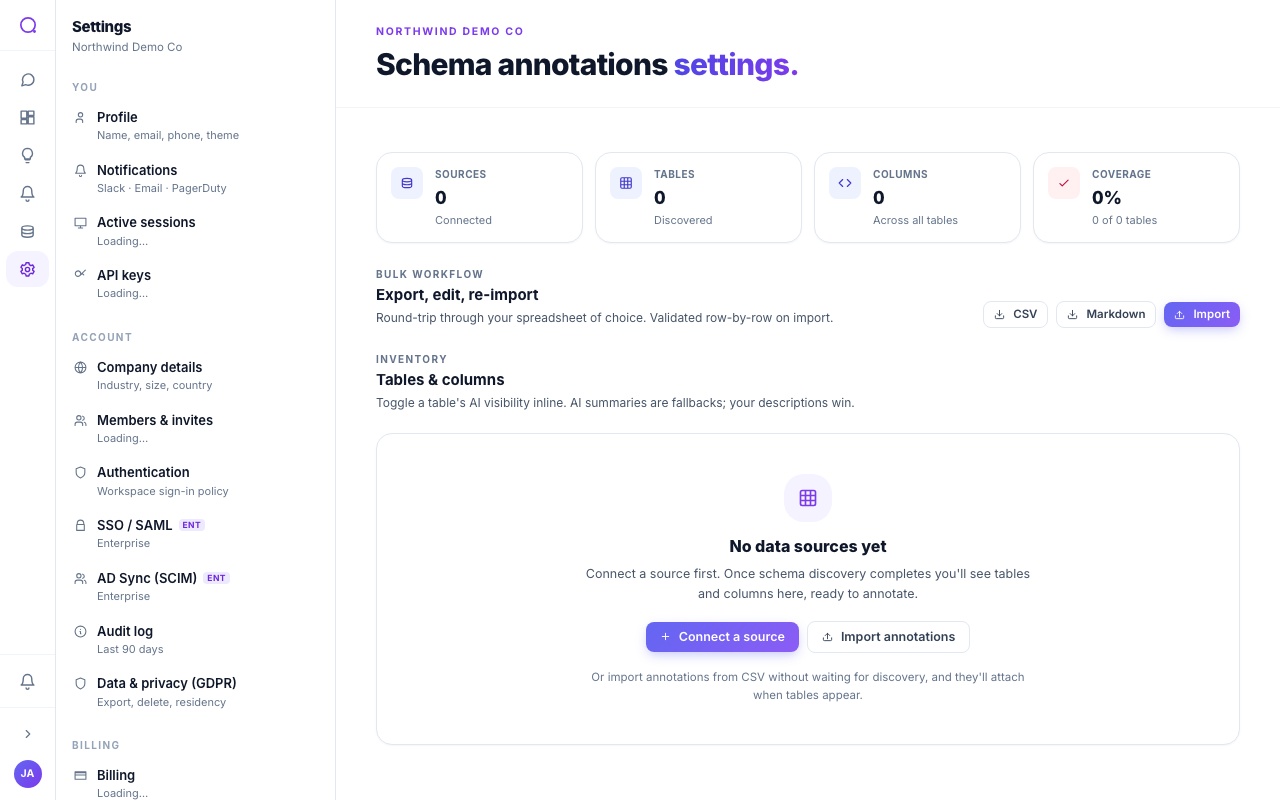
Browse, annotate, and import or export table and column definitions.
Updated May 27, 2026
Schema annotations tell the AI what your tables and columns mean. Clear definitions lead to more accurate answers.
What you can do
- Browse and search
Explore tables and columns across all connected sources, and search to find a specific field.
- Annotate
Add display names, descriptions, and categories so the AI understands your data's meaning.
- Export and import
Export the schema as CSV or Markdown, or import a CSV to apply definitions in bulk. Preview the result before committing.
Annotate the columns the AI gets wrong first. A short description like "amount in cents" prevents whole classes of mistakes.
What's next
Define reusable measures in Metrics.