Verify your email
Confirm your address with the 6-digit code Queringo emails after sign-up.
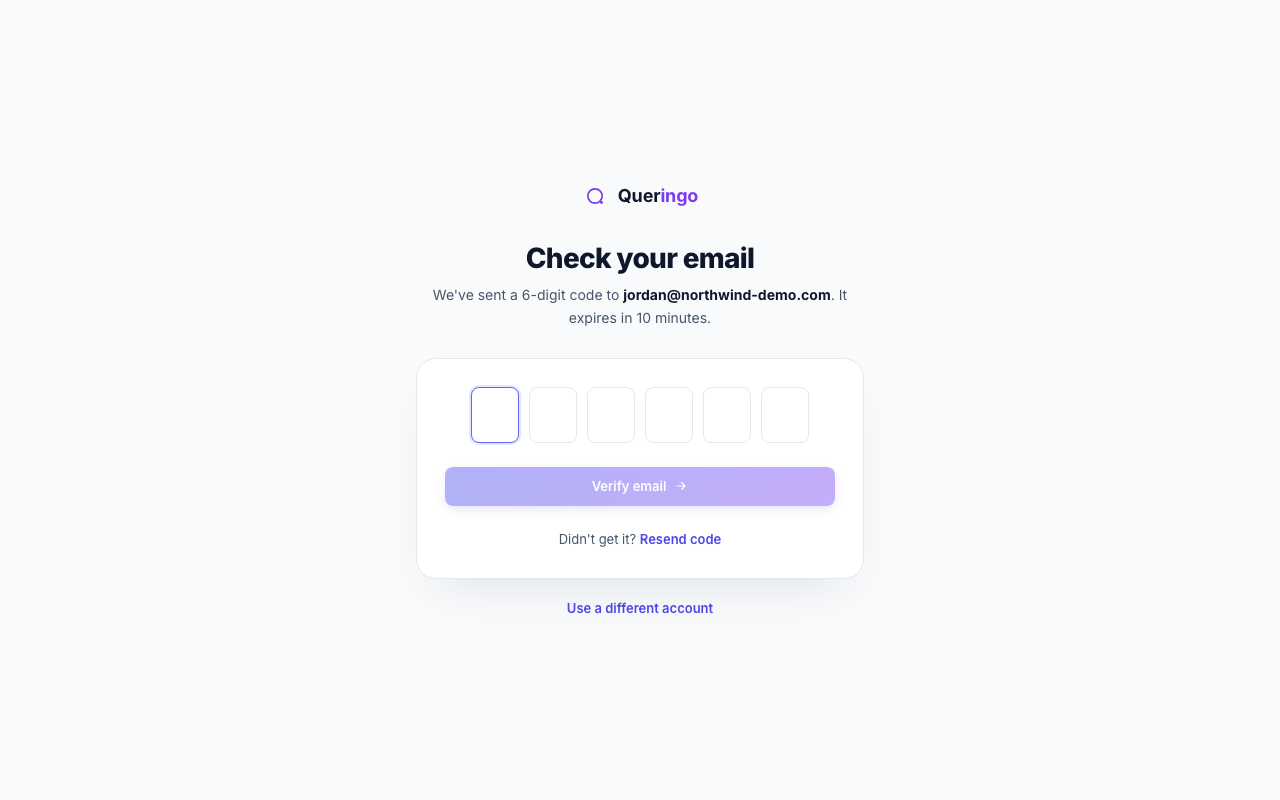
After you sign up, Queringo sends a 6-digit code to your email to confirm the address. Entering it clears the verification gate and continues your setup.
Steps
- Open the email
Find the message from Queringo with your 6-digit verification code. It expires after a short window.
- Enter the code
Type or paste the 6 digits into the code boxes. Verification submits automatically once all six are entered.
- Continue
On success, Queringo routes you to the next step: two-factor setup if your organization requires it, otherwise onboarding or the app.
Didn't get the code?
Use Resend to request a new one. Check your spam folder, and confirm you are looking at the inbox for the address you signed up with.
Troubleshooting
- "That code didn't match or has expired": request a fresh code and enter the newest one.
- "You've tried too many times": wait a moment, then request a new code.
What's next
Once verified, continue with the Quickstart or set up your profile.