MCP server
Connect MCP-compatible AI tools to your Queringo workspace over Streamable HTTP.
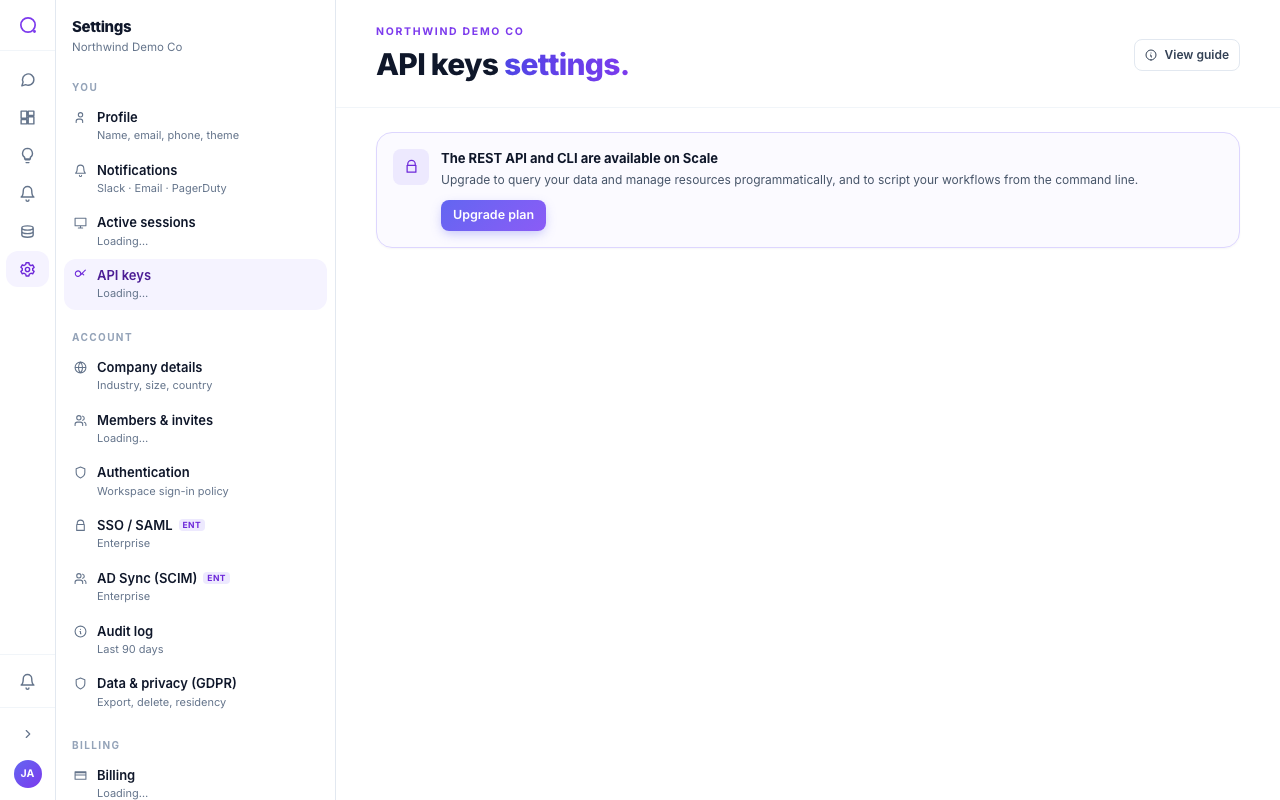
Queringo exposes a Model Context Protocol (MCP) server so MCP-compatible AI tools and agents can query your workspace data through a standard interface. It is available on the Scale plan and above.
Connect
- Endpoint:
/v1/mcp(Streamable HTTP transport). - Auth: the same
qg_live_API key you mint in API keys. No separate MCP credential. The key's workspace, role, and scopes decide what the tools can see and do. - Protocol: Streamable HTTP, protocol version
2025-03-26. The server advertisesserverInfo.name = "queringo-mcp"andserverInfo.versionin theinitializeresponse so clients can display the connected version.
Every request must include these headers:
| Header | Value |
|---|---|
Authorization | Bearer qg_live_... |
Accept | application/json, text/event-stream |
Content-Type | application/json |
MCP-Protocol-Version | 2025-03-26 |
Most MCP clients (Claude Desktop, Cursor, etc.) handle the transport,
protocol header, and Accept for you. You only paste the URL + key. The
headers above are what to send if you are calling /v1/mcp directly.
Configure your MCP client
Both snippets use the bearer-token transport. Paste your qg_live_... key in
place of the placeholder; both files live in your home directory.
Claude Desktop (~/Library/Application Support/Claude/claude_desktop_config.json on macOS,
%APPDATA%\Claude\claude_desktop_config.json on Windows):
{
  "mcpServers": {
    "queringo": {
      "transport": "streamable-http",
      "url": "https://app.queringo.com/v1/mcp",
      "headers": {
        "Authorization": "Bearer qg_live_..."
      }
    }
  }
}
Cursor (~/.cursor/mcp.json):
{
  "mcpServers": {
    "queringo": {
      "url": "https://app.queringo.com/v1/mcp",
      "headers": {
        "Authorization": "Bearer qg_live_..."
      }
    }
  }
}
Restart the client after saving the file. The server name (queringo) is what
shows up in the client's tool picker; rename it freely.
Test the key end-to-end before pasting it into a client: open the API keys page, mint or copy a key, and click Test MCP. A green check confirms the key reaches the MCP endpoint and passes the plan, scope, and IP-allowlist gates.
Initialize and list tools
Two JSON-RPC calls verify a connection end-to-end:
curl https://app.queringo.com/v1/mcp \
  -H "Authorization: Bearer qg_live_..." \
  -H "Accept: application/json, text/event-stream" \
  -H "Content-Type: application/json" \
  -H "MCP-Protocol-Version: 2025-03-26" \
  -d '{
    "jsonrpc": "2.0",
    "id": 1,
    "method": "initialize",
    "params": {
      "protocolVersion": "2025-03-26",
      "clientInfo": {"name": "my-client", "version": "1.0"},
      "capabilities": {}
    }
  }'
initialize returns result.serverInfo.name = "queringo-mcp" and
result.serverInfo.version (currently 1.0.0). Once initialized, list the
tools:
curl https://app.queringo.com/v1/mcp \
  -H "Authorization: Bearer qg_live_..." \
  -H "Accept: application/json, text/event-stream" \
  -H "Content-Type: application/json" \
  -H "MCP-Protocol-Version: 2025-03-26" \
  -d '{"jsonrpc": "2.0", "id": 2, "method": "tools/list", "params": {}}'
Tools
| Tool | Required scope | Parameters | What it does |
|---|---|---|---|
queringo_ask_data | ask | question (string), source_ids (string[], optional), tier (low | medium | high, optional) | Ask a natural-language question. Returns SQL, rows, and an insight. |
queringo_list_metrics | read | none | List the workspace's curated metrics. |
queringo_list_dashboards | read | none | List the workspace's dashboards (id, name). Use this to map a name like "Revenue" to the id that queringo_get_dashboard needs. |
queringo_list_sources | read | none | List the workspace's connected data sources (id, name, type). Use this to scope queringo_ask_data to specific sources. |
queringo_get_dashboard | read | id (string) | Read a dashboard's document. |
queringo_search_conversations | read | query (string) | Title-search saved conversations. |
The required scope column maps to the scopes selected when minting the key.
A key with both scopes (or no scopes set, the default) can call every tool. A
read-only key can call every tool except queringo_ask_data; an ask-only
key can only call queringo_ask_data. tools/list and initialize work on
any key regardless of scope so MCP clients can always discover the surface.
Call a tool with tools/call:
{
  "jsonrpc": "2.0",
  "id": 3,
  "method": "tools/call",
  "params": {
    "name": "queringo_ask_data",
    "arguments": {"question": "MRR last 30 days by plan"}
  }
}
Errors
Every error response is a JSON body with error_code + message (plus any
context the gate adds), mirroring the REST /v1/* error shape so SDKs can use
a single parser.
| HTTP | error_code | When |
|---|---|---|
| 400 | unsupported_protocol | MCP-Protocol-Version header is set to something other than 2025-03-26. The response includes the supported version so clients can self-heal. |
| 401 | unauthorized | Missing, malformed, or revoked API key. |
| 402 | plan_limit | The account is below Scale and does not have the mcp_unlocked per-account override. |
| 403 | insufficient_scope | The key does not include the scope a tools/call invocation needs. The response carries required_scope (ask or read) so you can mint a new key with the right scope. |
| 403 | ip_not_allowed | The key has an IP allowlist (allowed_cidrs) set and the request did not arrive from one of those ranges. |
| 403 | mcp_disabled | MCP is turned off on this deployment. Ask your workspace admin to enable it. |
| 429 | rate_limited | The per-key, per-minute rate cap was exceeded. The response includes limit_rpm and Retry-After: 60. MCP shares the same per-key bucket as the REST API, so REST and MCP usage count together. |
Plan-aware rate caps: Starter 60 rpm, Growth 600 rpm, Scale 6,000 rpm, Enterprise 60,000 rpm.
What's next
Combine the MCP server with Webhooks to push events into the same agent loop, or browse all docs at the documentation home.