PII & financial
Mark sensitive columns and choose how they are masked in results.
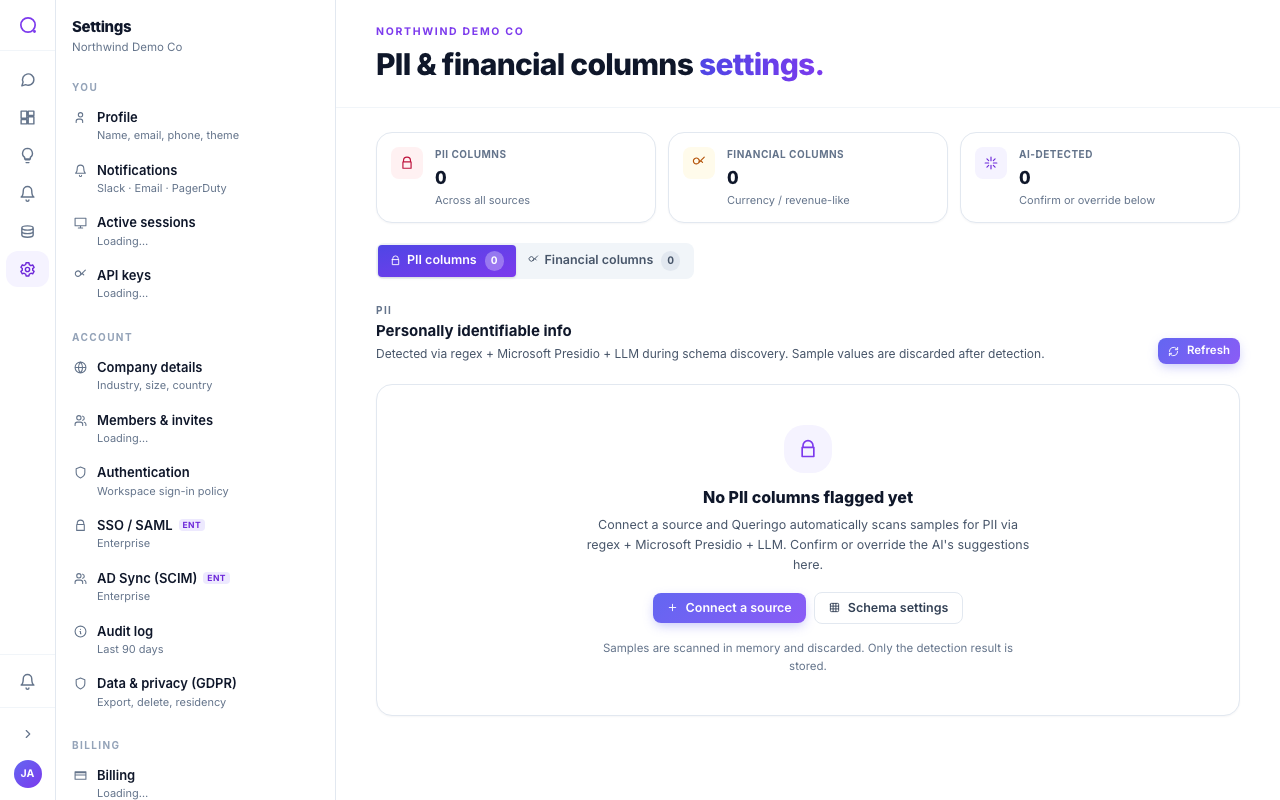
This page controls which columns are treated as personal or financial data and how they are masked in query results.
What you can do
- Mark sensitive columns
On the PII and Financial tabs, mark columns as sensitive. Queringo also suggests likely candidates automatically.
- Choose a mask strategy
Per column, pick how values are masked: none, fully masked, hashed, last four, initials, or subnet for IPs.
How masking works
Masked values render as tokens in results. Members without explicit permission to see raw values only ever see the masked form, and data exports always mask PII regardless of who runs them.
PII is flagged and masked by default during schema discovery. This page is where you refine those defaults. See PII detection & masking.
What's next
Review workspace security in Authentication.