Warehouses
Connect Snowflake, BigQuery, Redshift, Databricks SQL, and ClickHouse.
Analytical warehouses are the most common Queringo source. Most use credentials; BigQuery uses a service-account key file, and Databricks SQL uses an access token.
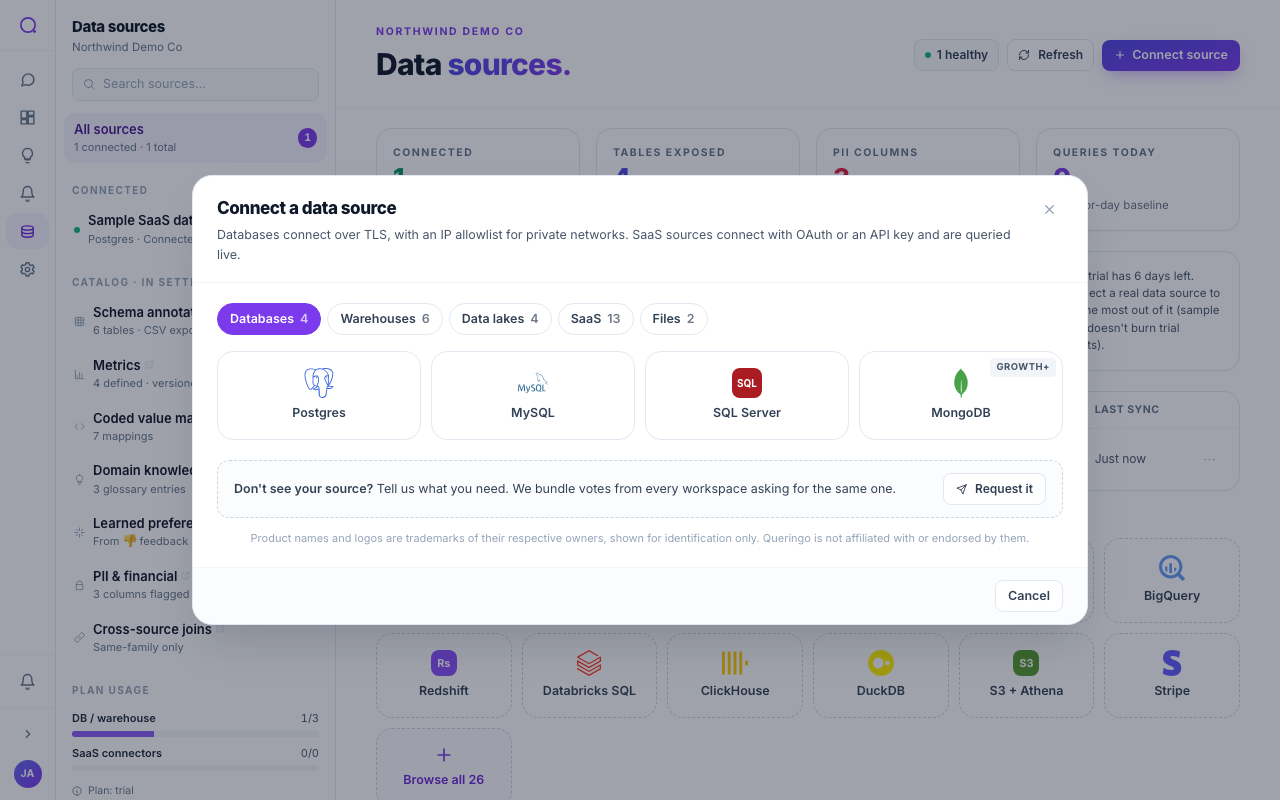
Supported warehouses
| Warehouse | Auth | Plan | Notes |
|---|---|---|---|
| Snowflake | Credentials | Growth | Account, user, password, warehouse, database. |
| BigQuery | Key file | Growth | Upload a service-account JSON key. |
| Redshift | Credentials | Growth | Connects via the Postgres family. |
| Databricks SQL | Token | Scale | SQL warehouse HTTP path plus an access token. |
| ClickHouse | Credentials | Growth | Host, port, user, password. |
| DuckDB | Upload | Starter | Local file-backed analytics. |
Steps
- Pick your warehouse
From Connect source, choose your warehouse.
- Provide credentials or a key
Enter credentials, or for BigQuery upload the service-account JSON key. For Databricks SQL, paste the SQL warehouse path and access token.
- Scope to least privilege
Use a read-only role, warehouse, and database wherever the provider supports it.
- Test and discover
Test the connection, then review the discovered schema.
For BigQuery, grant the service account read access to the datasets you want Queringo to see, then upload its JSON key in the connection form.
Troubleshooting
- Snowflake: confirm the account identifier, warehouse, and role are correct and the warehouse can resume.
- BigQuery: the key's service account must have read access to the datasets.
- Databricks SQL: check the SQL warehouse HTTP path and that the token has not expired.
What's next
See Data lakes for object-store sources, or Managing sources.