Run your first query
Ask your first question and see the generated SQL, results, and a short takeaway.
The final onboarding step is the payoff: ask a question in plain language and watch Queringo plan it, write the SQL, run it, and explain the result.
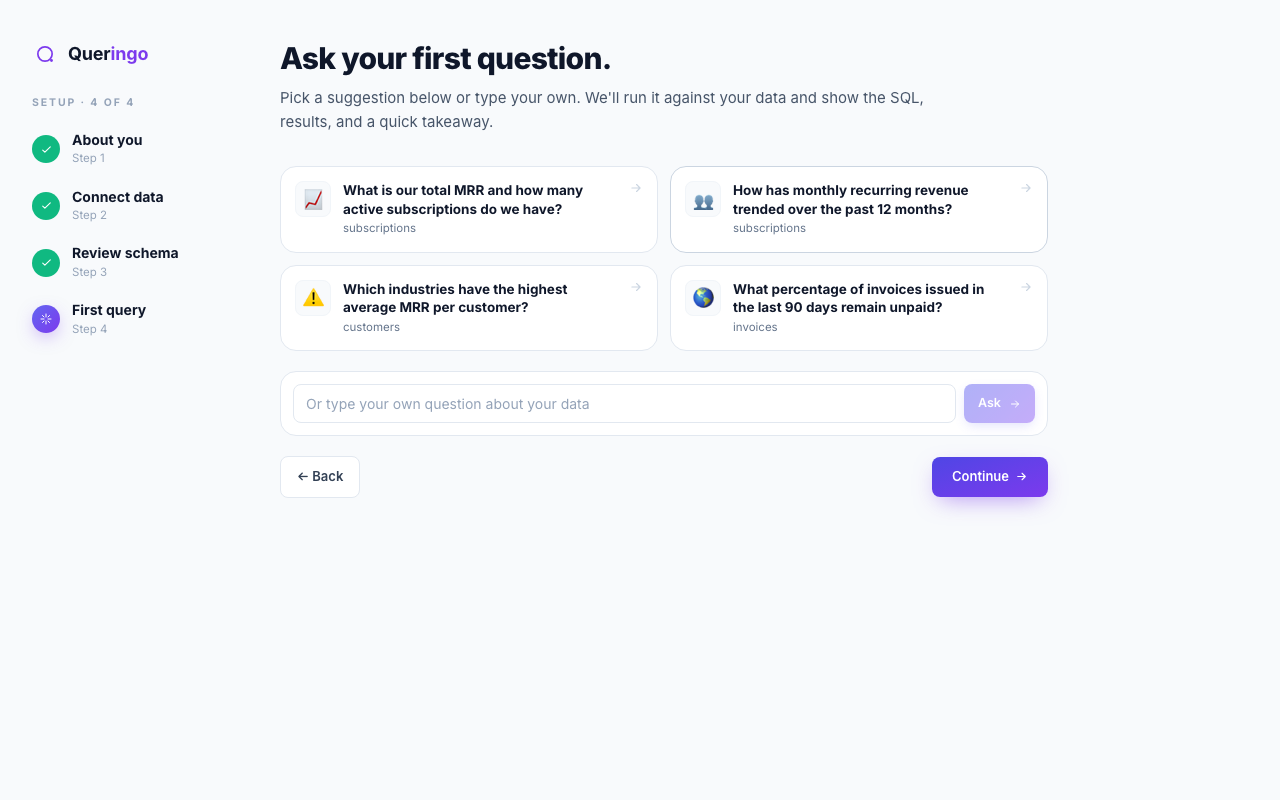
Steps
- Pick a suggestion or type your own
Queringo reads your discovered schema and proposes a few relevant questions. Pick one to start fast, or type your own in the ask box.
- Watch it work
Queringo shows each stage as it goes: understanding intent, choosing tables, writing SQL, running it, and rendering a chart.
- Read the answer
You get a chart, the underlying SQL, and a short plain-language takeaway. Open the SQL to see exactly how the answer was produced.
- Continue into the app
Choose Continue to finish onboarding and land in Ask Data, where you can keep asking follow-up questions.
Ask broad first, then refine. After an answer you can say "break that down by month" and Queringo keeps the context of the previous question.
Troubleshooting
If no suggestions appear, schema discovery may still be finishing, or the source has no readable tables. You can always type your own question instead.
What's next
You are set up. Explore Ask Data further, or invite your team to join the workspace.