Settings
Audit log
Review a searchable record of workspace activity.
Updated May 27, 2026
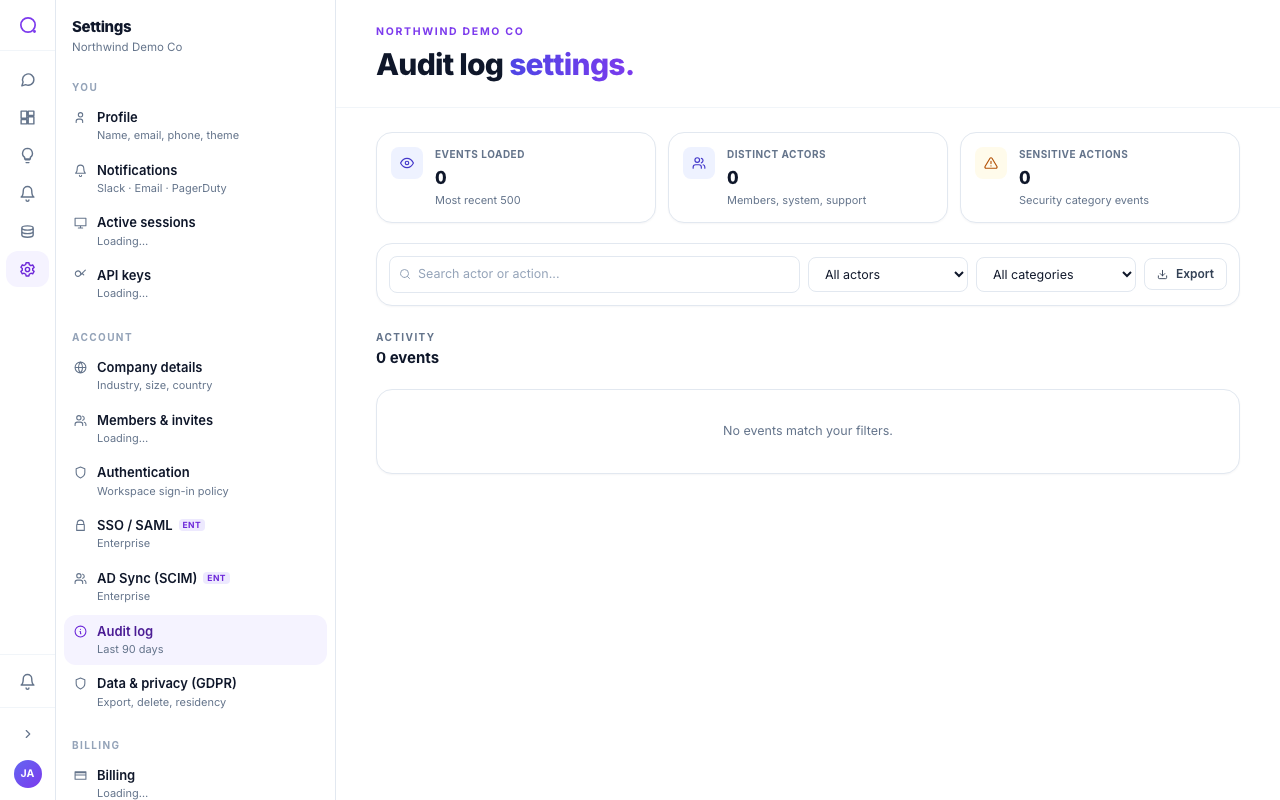
The audit log is a searchable record of what happened in the workspace: who did what, to what, and when.
What you can do
- Browse by day
Events are grouped by day with color-coded category badges.
- Filter and search
Filter by category (members, data, AI, billing, security, system) and search by actor, action, or target.
- Inspect details
Open an event to see its full JSON payload.
Retention
How far back the log goes depends on your plan, from a shorter window on the entry plan up to unlimited on enterprise. See Audit log retention.
Actions taken by Queringo support appear in the log attributed to support, so there is always a clear record of who acted.
What's next
See your billing documents in Invoices.