API, CLI & MCP
CLI
Use Queringo from the terminal with an API key.
Updated May 30, 2026
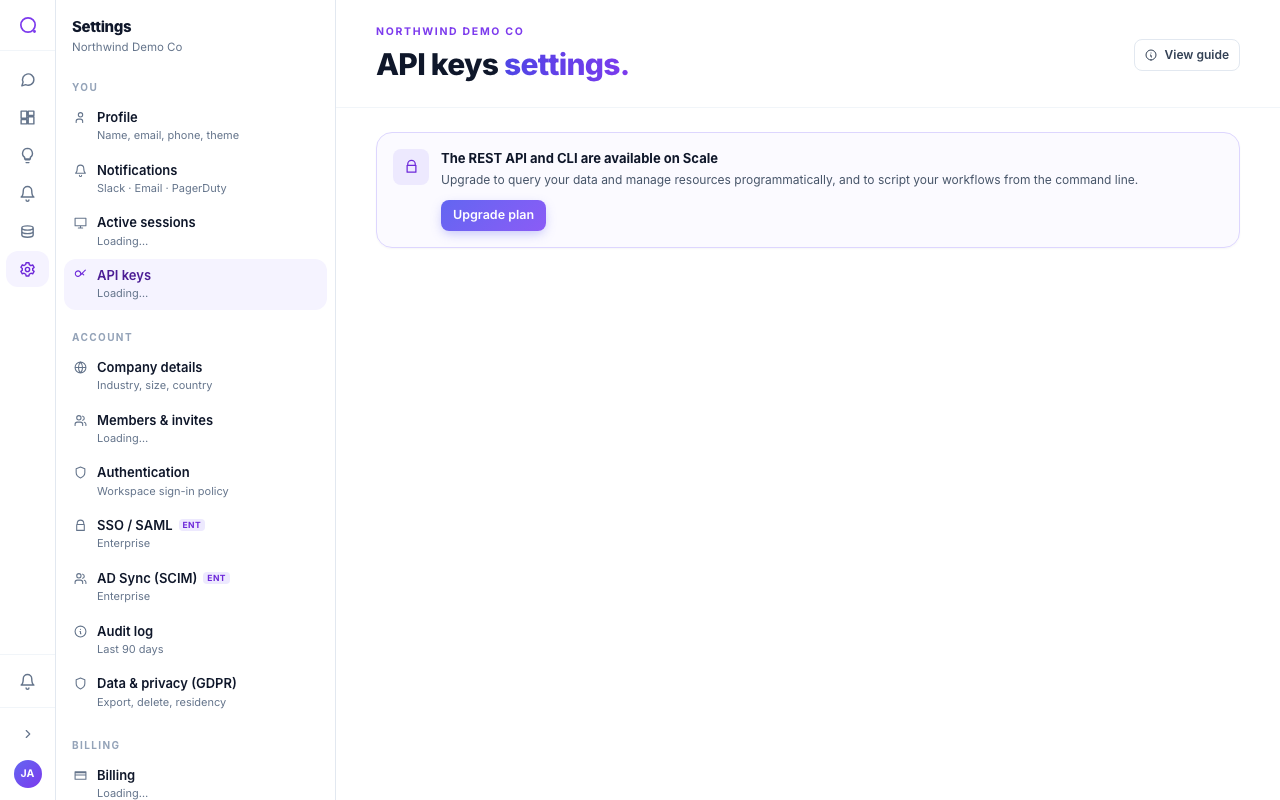
The Queringo CLI brings the public REST API to your terminal and scripts. It authenticates with an API key and is available on the Scale plan and above.
Install
pip install queringo-cli
This installs the queringo command on your PATH.
Authenticate
Mint a key in API keys, then sign in. Credentials are
saved to ~/.queringo/credentials with owner-only permissions, so subsequent
commands run without re-entering the key. login verifies the key by calling
/v1/whoami and fails fast if it is invalid.
queringo login --base https://api.queringo.com --api-key qg_live_...
queringo logout
Treat the key like a password: store it in a secret manager and never commit
it. The credentials file is written with mode 600, but the same rule applies
if you copy it elsewhere.
Commands
| Command | What it does |
|---|---|
queringo login --base <url> --api-key <key> | Save credentials and verify the key with whoami. |
queringo logout | Clear saved credentials. |
queringo query "<question>" [--tier low|medium|high] | One-shot question via POST /v1/ask. Prints the insight, SQL, and a results table. Default tier is medium. |
queringo sources list | List connected data sources. |
queringo sources show <id> | Show one data source. |
queringo dashboards list | List dashboards. |
queringo dashboards pull <id> | Fetch a dashboard's JSON document. |
Example session:
queringo query "What were sales by month last year?"
queringo sources list
queringo dashboards pull 1234abcd > dashboard.json
What's next
Connect AI tools with the MCP server.