Data sources overview
The kinds of sources Queringo connects to and how plans gate them.
A data source is any database, warehouse, data lake, managed connector, or file upload that Queringo can read to answer your questions. You can connect more than one, and Queringo keeps each source's schema and credentials separate.
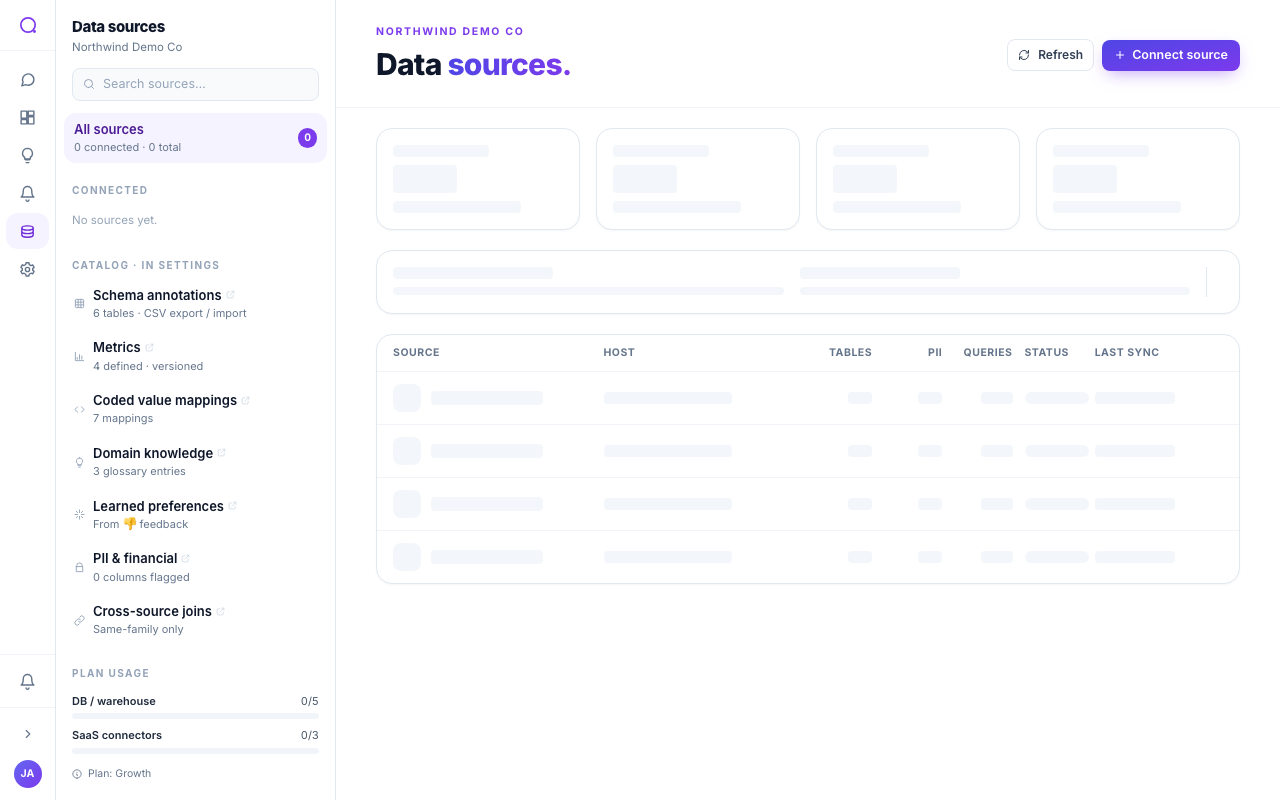
Source categories
| Category | Examples | Guide |
|---|---|---|
| Databases | Postgres, MySQL, SQL Server, MongoDB | Databases |
| Warehouses | Snowflake, BigQuery, Redshift, Databricks SQL, ClickHouse | Warehouses |
| Data lakes | S3 + Athena, Azure Data Lake, Unity Catalog, Iceberg / Delta | Data lakes |
| Managed connectors | Stripe, Salesforce, HubSpot, GA4, Shopify, and more | Managed connectors |
| Files | CSV and Excel upload | Files |
How authentication differs
Each connector uses one of a few auth styles:
- Credentials: host, port, database, and a user and password.
- Key file: a service-account JSON key (for example, BigQuery).
- Token: an API key or access token (most managed connectors).
- OAuth: you authorize Queringo through the provider (for example, Salesforce, HubSpot, GA4).
- Upload: you upload a file (CSV, Excel) and Queringo loads it.
Plans and availability
Connectors are gated by plan tier. As a rough guide, core databases and file uploads are available on the entry plan, warehouses and most managed connectors on the mid plan, and data lakes plus a few enterprise sources on higher plans. The connector picker shows the plan each source needs.
"Managed connectors" are our hosted connector layer for software-as-a-service products. You authorize once and Queringo handles the sync.
What's next
Start with Connect a data source, then see the per-category guides above.