Build a dashboard
Create a dashboard from a message, a conversation, a prompt, or from scratch.
There are several ways to build a dashboard, depending on whether you already have an answer you like or want Queringo to plan one for you.
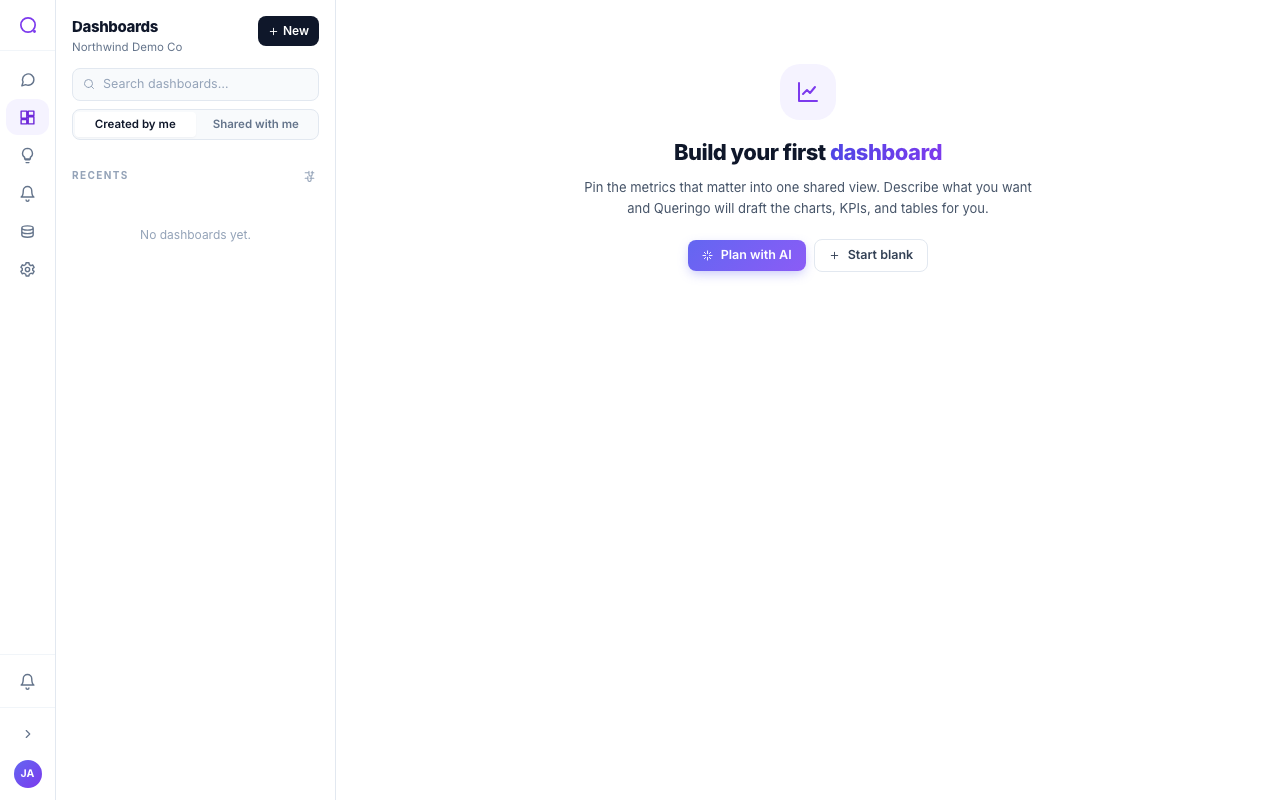
Ways to build
- From a message
On any Ask Data answer, choose Add to dashboard to drop that result onto a new or existing dashboard.
- From a conversation
Build a dashboard from a whole conversation; Queringo proposes widgets from the answers it contains.
- From a prompt (Plan with AI)
Choose Plan with AI and describe what you want. Queringo proposes a set of widgets you can confirm.
- Blank
Start empty and add widgets yourself.
Editing
In edit mode you can add and remove widgets, arrange the layout, change a widget's visualization type, and add or remove pages. Each widget can be set to be monitored for insights, refreshed, or downloaded on its own.
Editing uses a draft-and-publish cycle. Your changes stay in a draft until you publish, and you can discard unsaved changes. See Version history and locking.
What's next
Add filters, then share or embed the result.