Settings
Billing & usage
View your plan, seats, and usage, and upgrade or change your subscription.
Updated May 27, 2026
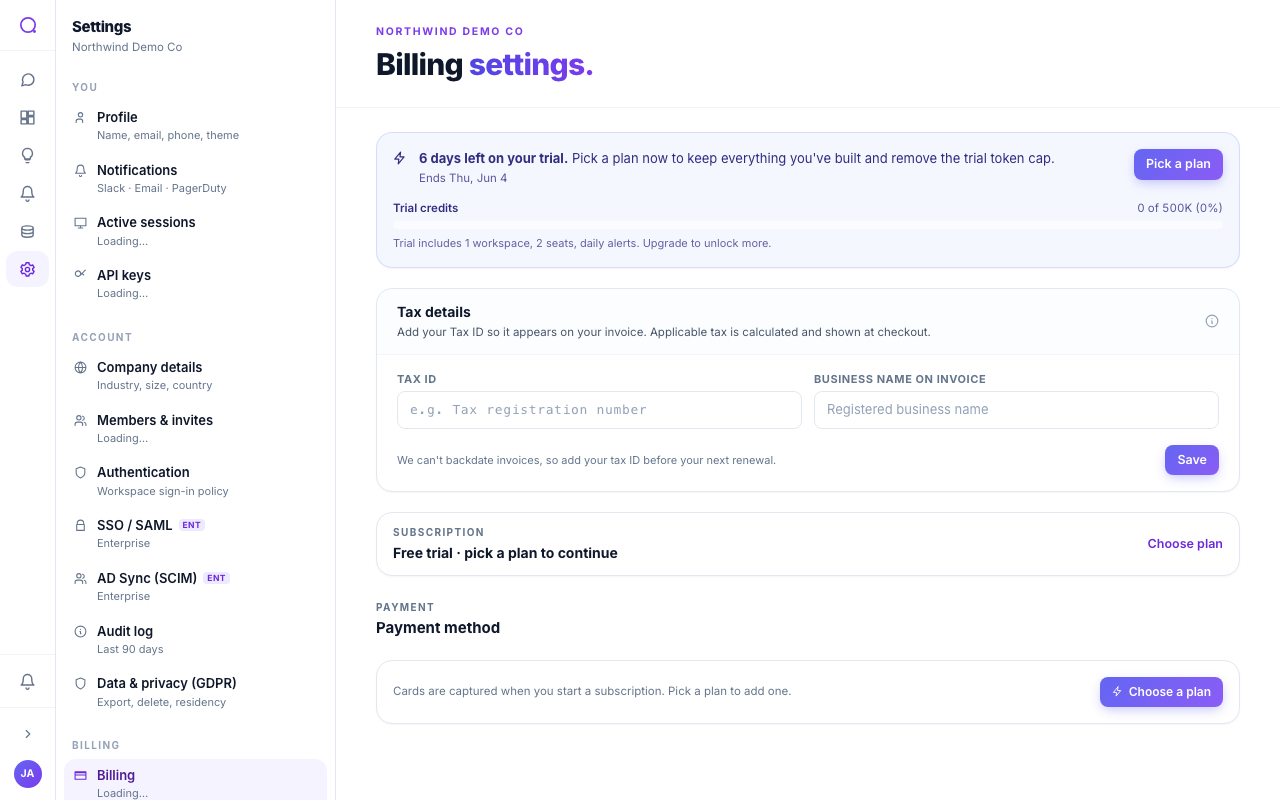
Billing settings show your current plan and usage, and let you change plans, add seats, and manage payment details.
What you can do
- See your plan and usage
View your current plan (Starter, Growth, Scale, or Enterprise), seat count, and token usage for the period.
- Compare and change plans
Open the plan comparison and switch between monthly and annual billing. Annual billing is discounted.
- Manage seats and top-ups
Add seats or buy top-up token packs as your needs grow.
- Manage payment and tax
Update your payment method and tax details, or cancel your plan.
Related billing topics
What's next
Manage data export and deletion in Privacy.