Features
Saving and sharing conversations
Keep, organize, and share your Ask Data conversations and individual results.
Updated May 27, 2026
Conversations are saved automatically so you can return to them, organize them, and share findings with teammates.
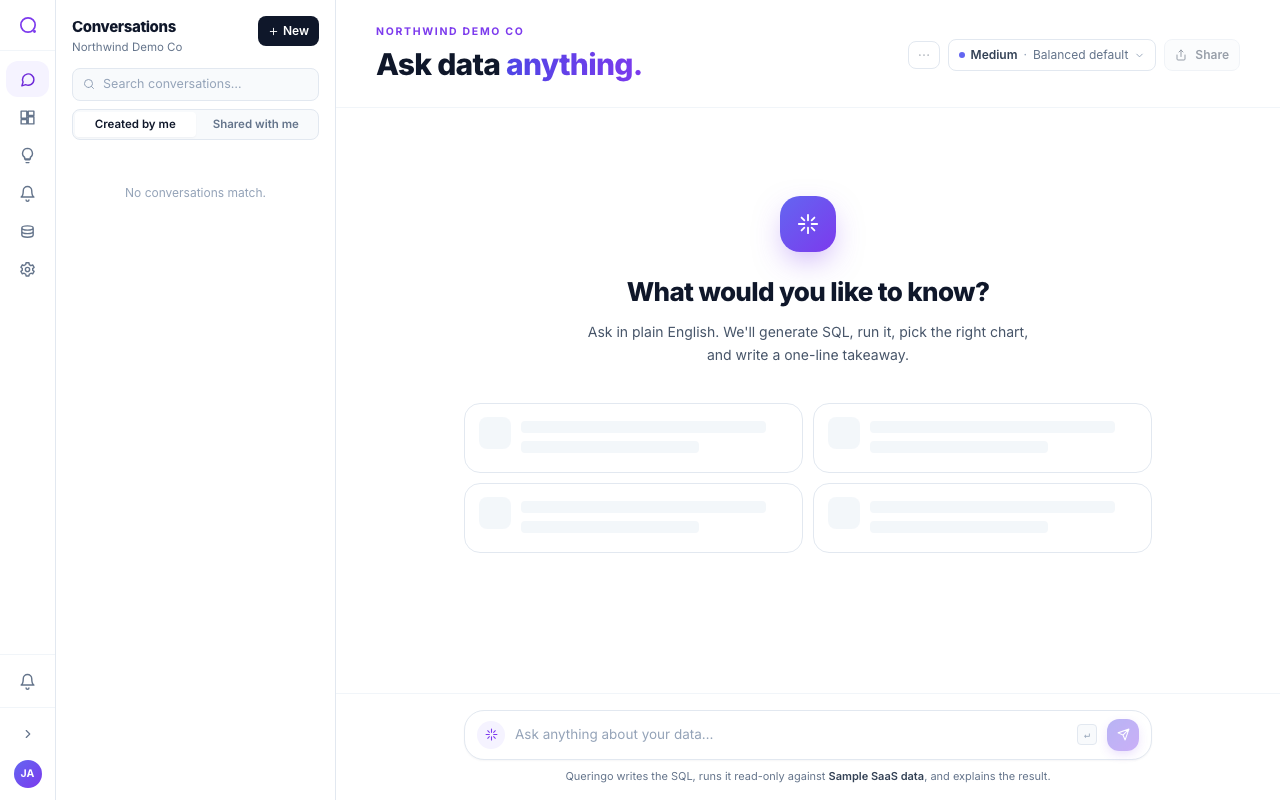
Organizing conversations
- Pin, rename, and search
Pin important conversations to the top, rename them for clarity, and search by keyword. Filter by source, saved-only, or recent activity, and sort by recency.
- Duplicate or delete
Duplicate a conversation to branch from it, or delete ones you no longer need.
- Switch scopes
Toggle between "Created by me" and "Shared with me" to find your own work or what teammates shared.
Sharing
- Share a conversation so teammates can view the questions and answers.
- Share a single result when you only want to send one answer.
- Teammates can request edit access; you approve or decline the request.
To put an answer on a dashboard instead of sharing a link, use Add to dashboard from a message. See Build a dashboard.
What's next
Turn answers into living views with Dashboards.