Settings
Company details
Manage your legal name, industry, size, billing country, and workspaces.
Updated May 27, 2026
Company details are account-level settings managed by an account admin. They appear on invoices and drive jurisdiction-aware policies.
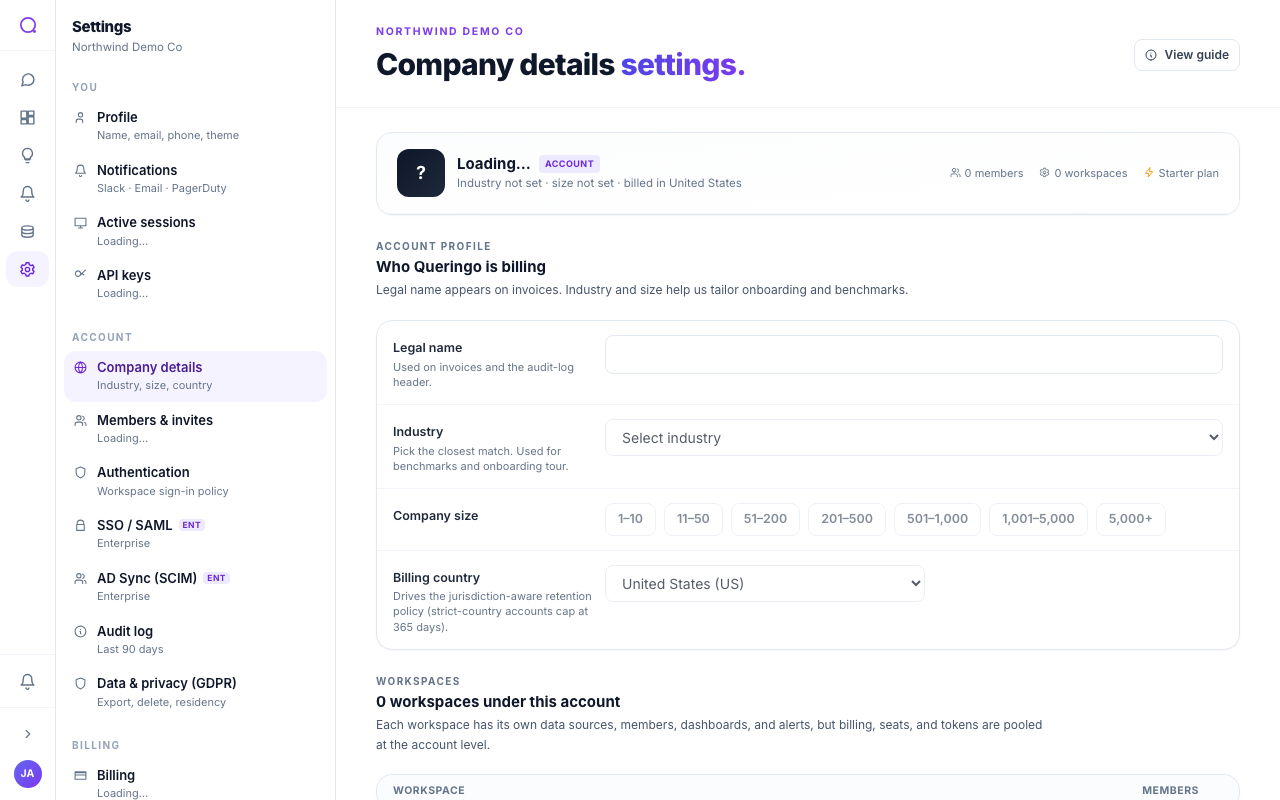
What you can set
- Company profile
Legal name (shown on invoices), industry, and company size.
- Billing country
Sets your jurisdiction, which can affect data-retention policy in stricter countries.
- Workspaces
See all workspaces with their members and activity, open them, or create a new workspace. The default workspace cannot be deleted.
Company details are visible to account admins; other members see them read-only.
What's next
Configure a single workspace in Workspace.