Features
Dashboards overview
What dashboards are, how they update, and how to share them.
Updated May 27, 2026
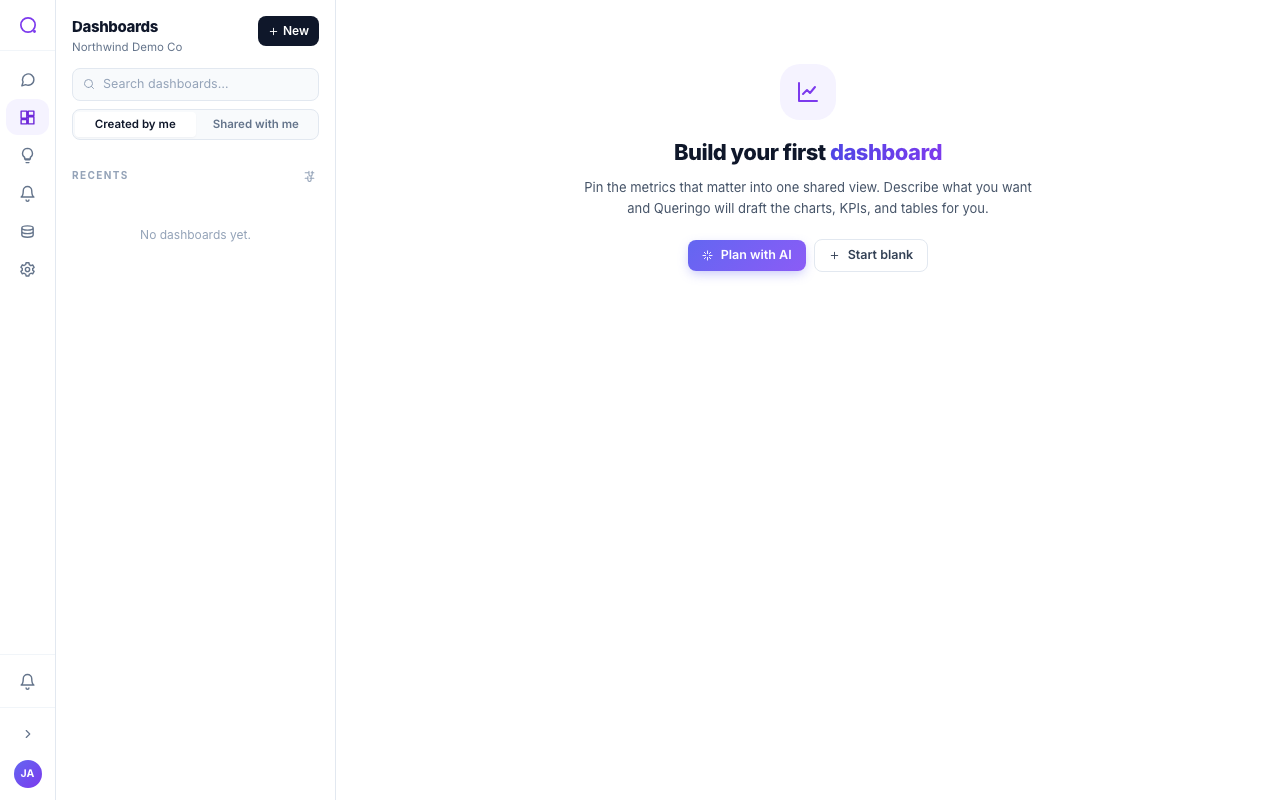
Dashboards collect your answers into living views that refresh on a schedule and can be shared or embedded. They support multiple pages, workspace filters, version history, and edit locking.
Key capabilities
- Multiple ways to build: start blank, build from a conversation or a single message, or describe what you want and let Queringo plan it.
- Multi-page: organize widgets into tabbed pages.
- Filters: workspace-level filters bind to widgets so viewers can slice the whole dashboard at once.
- Freshness: owners set a refresh cadence and can refresh on demand.
- Sharing: share to the workspace, a public link, specific people, or embed it elsewhere.
- Safety: draft and publish with version history, and edit locking to avoid conflicts.
- Favorites: star a dashboard to float it to the top of your list.