REST API v1
Bearer-token REST API for Ask Data, dashboards, metrics, conversations, and data sources.
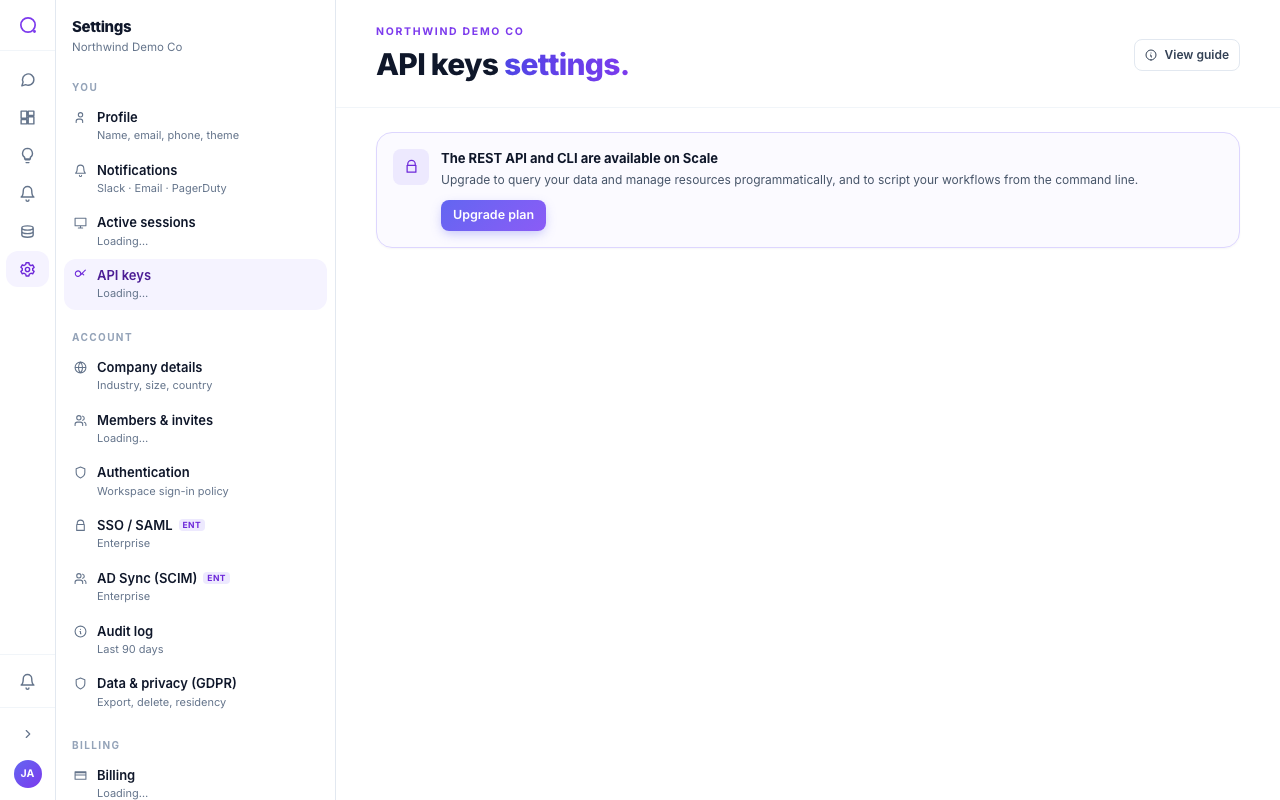
The REST API lets you use Queringo from your own code: ask questions in plain English and read your conversations, dashboards, widgets, metrics, and data sources. It is available on the Scale plan and above.
Basics
- Base path:
/v1 - Auth: send an API key as a bearer token in the
Authorizationheader. - Schema: the OpenAPI 3.1 document is at
/v1/openapi.jsonand a Swagger UI is at/v1/docs. - Rate limits: requests are rate-limited per key, with higher allowances on higher plans.
Authenticate
Mint a key in API keys (the secret is shown once), then send it on each request:
curl https://app.queringo.com/v1/whoami \
  -H "Authorization: Bearer qg_live_your_key"
/v1/whoami works on every plan, so use it to verify a key is alive and check
its scopes.
Endpoints
| Method and path | Scope | What it does |
|---|---|---|
POST /v1/ask | ask | Ask a question in plain English. Returns SQL, rows, an insight, and follow-up suggestions. |
GET /v1/conversations | read | List recent conversations. |
GET /v1/dashboards | read | List dashboards. |
GET /v1/dashboards/{id} | read | Read a dashboard's document. |
GET /v1/dashboards/{id}/widgets/{key}/data | read | Read one widget's data. |
GET /v1/metrics | read | List metrics. |
GET /v1/data-sources | read | List connected data sources. |
GET /v1/whoami | none | Identify the calling key and its scopes. |
POST /v1/embed-tokens | none (Enterprise) | Mint a short-lived embed token (see Embed SDK). |
DELETE /v1/embed-tokens/{jti} | none (Enterprise) | Revoke an embed token. |
Ask Data
/v1/ask runs one question and returns the finished answer in a single
response (no streaming, no client-side conversation threading).
Request body:
| Field | Type | Notes |
|---|---|---|
question | string (required) | The natural-language question. |
data_source_ids | string[] (optional) | Limit the answer to these sources. If omitted, the workspace's default source is used. |
model_tier | "low", "medium", "high" (optional) | Reasoning depth. Defaults to your workspace's tier (typically medium). |
Example:
curl https://app.queringo.com/v1/ask \
  -H "Authorization: Bearer qg_live_..." \
  -H "Content-Type: application/json" \
  -d '{"question": "MRR last 30 days by plan", "model_tier": "medium"}'
Response body:
| Field | Type | Notes |
|---|---|---|
message_id | string | Stable id for the assistant turn. |
sql | string or null | The generated SQL. |
columns | string[] | Column names in result order. |
rows | any[][] | Result rows. |
chart_spec | object or null | Suggested chart spec (Vega-Lite-shaped). |
insight | string or null | A short prose summary. |
suggestions | string[] | Follow-up questions. |
error | string or null | Set when success is false. |
success | boolean | True on a clean run. |
Scopes
Scopes limit what a key can do. Pick the minimum a key needs:
- Ask data grants
POST /v1/ask. - Read resources grants every
GETendpoint listed above.
A key with no scopes selected has full access. A key that calls outside its
scopes gets a 403 with error_code: insufficient_scope and the missing scope.
Rate limits
| Plan | Requests per minute, per key |
|---|---|
| Starter | 60 |
| Growth | 600 |
| Scale | 6,000 |
| Enterprise | 60,000 |
Exceeding the cap returns 429 with a Retry-After: 60 header and
{"detail": {"limit_rpm": <n>}} in the body.
Errors
| Status | Code or shape | Meaning |
|---|---|---|
401 | (no qg_live_ bearer, or revoked) | Missing, malformed, or revoked key. |
402 | {"error": "plan_limit", "limit": "rest_api", "required_plan": "scale"} | The REST API is not available on this account's plan. /v1/whoami keeps working. |
403 | {"error_code": "insufficient_scope", "required_scope": "<scope>"} | The key lacks the scope this endpoint requires. |
429 | {"error_code": "rate_limited", "limit_rpm": <n>} plus Retry-After: 60 | The per-minute cap was exceeded. |
whoami response
GET /v1/whoami returns:
{
  "workspace_id": "...",
  "workspace_name": "Acme",
  "key_id": "...",
  "key_prefix": "qg_live_AbCd",
  "scopes": ["read"],
  "fingerprint": "<16-char stable hash>"
}
fingerprint is a stable, non-secret hash of workspace_id and key_id. Use
it as an idempotency-key seed if you need one.
What's next
React to events with Webhooks, or connect AI tools with the MCP server.