Sign in
Sign in with email, a single-sign-on provider, or your company SSO.
Once you have an account, you can sign in with email and password, a social provider, or your company's single sign-on. This page covers each option and what to do when you are locked out.
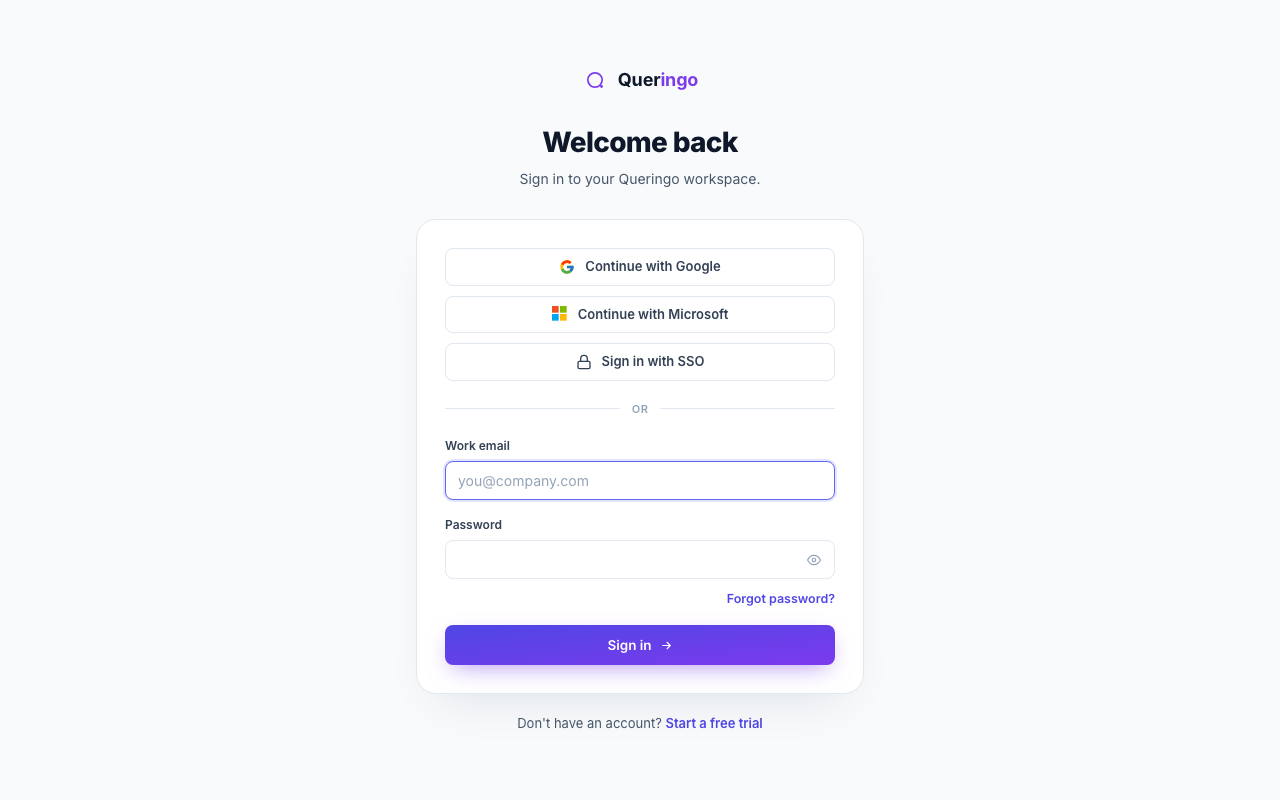
Ways to sign in
- Email and password
Enter your work email and password below the divider, then choose sign in.
- Google or Microsoft
Use the provider buttons at the top to sign in with an existing identity. No separate password needed.
- Company SSO (SAML)
If your organization has SSO configured, use your company's single-sign-on entry point. Provisioning and roles can be managed automatically.
Two-factor and gated steps
If two-factor authentication is enabled, you enter a code after your password. Queringo also routes you through any pending step, such as email verification, before landing you in the app.
Locked out
After repeated failed attempts an account is temporarily locked to protect it. On the error you can:
- Reset password if you have forgotten it.
- Choose Wasn't me to secure the account if you suspect someone else tried to sign in.
What's next
After signing in you land on Ask Data. New here? Start with the Quickstart.