Notifications
Your in-app inbox for alerts, insights, shares, billing, and access requests.
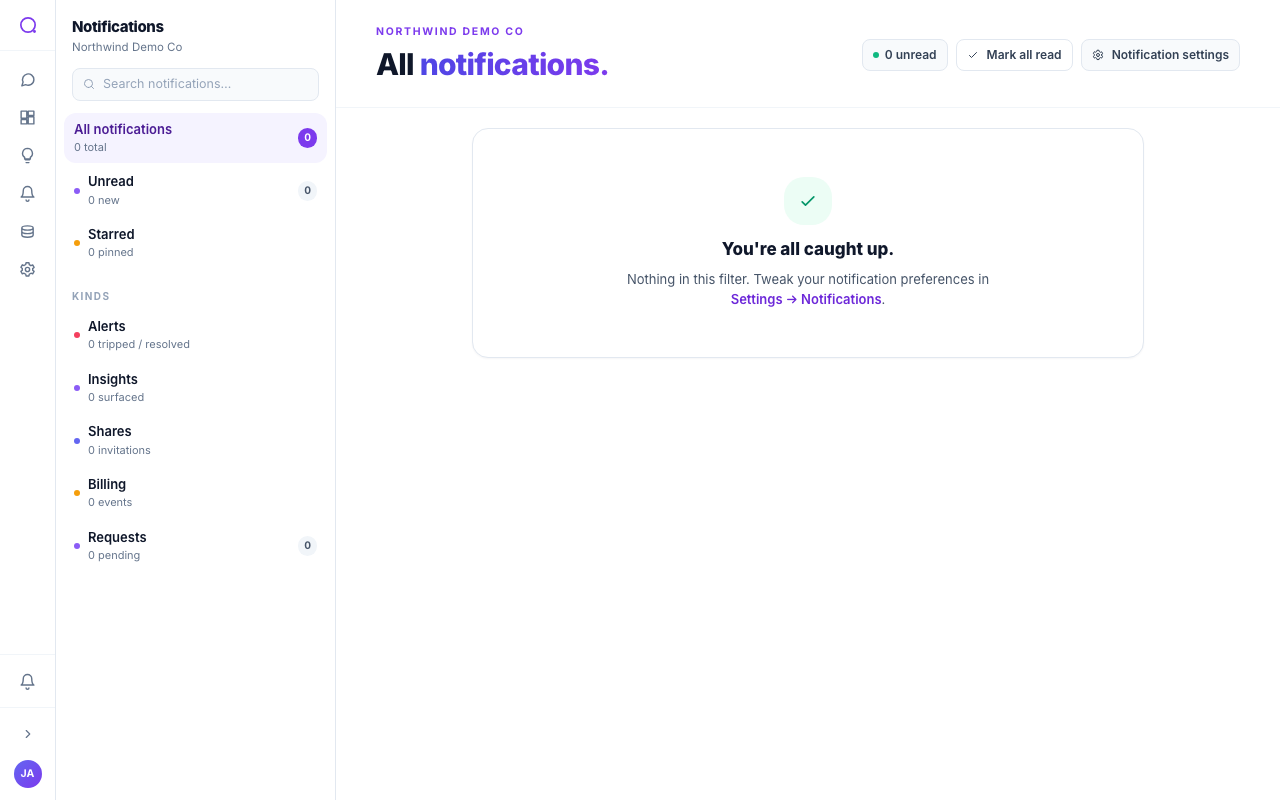
The notifications inbox collects everything that needs your attention in one timeline: tripped and resolved alerts, surfaced insights, shares, billing events, mentions, and access requests.
Using the inbox
- Scan the timeline
Notifications are grouped by time (Today, Yesterday, Earlier this week, Older), each with a kind badge, title, and source.
- Filter
Filter by All, Unread, Starred, or by kind (Alerts, Insights, Shares, Billing, Requests) and by source.
- Act inline
Mark read or unread, star to pin, open the related page, mute a kind, or dismiss. Access requests can be approved or rejected right from the row.
- Mark all read
Use Mark all read to clear the unread state in one go.
Choose where each kind of notification is delivered under Notifications settings; the inbox always keeps the full history.
What's next
Tune delivery in Notifications settings, or explore Settings.