Data lakes
Connect S3 + Athena, Azure Data Lake, Databricks Unity Catalog, and Iceberg / Delta.
Data lakes let Queringo query object-store tables through a query engine or catalog. These connectors are available on higher plans because they typically back larger, governed datasets.
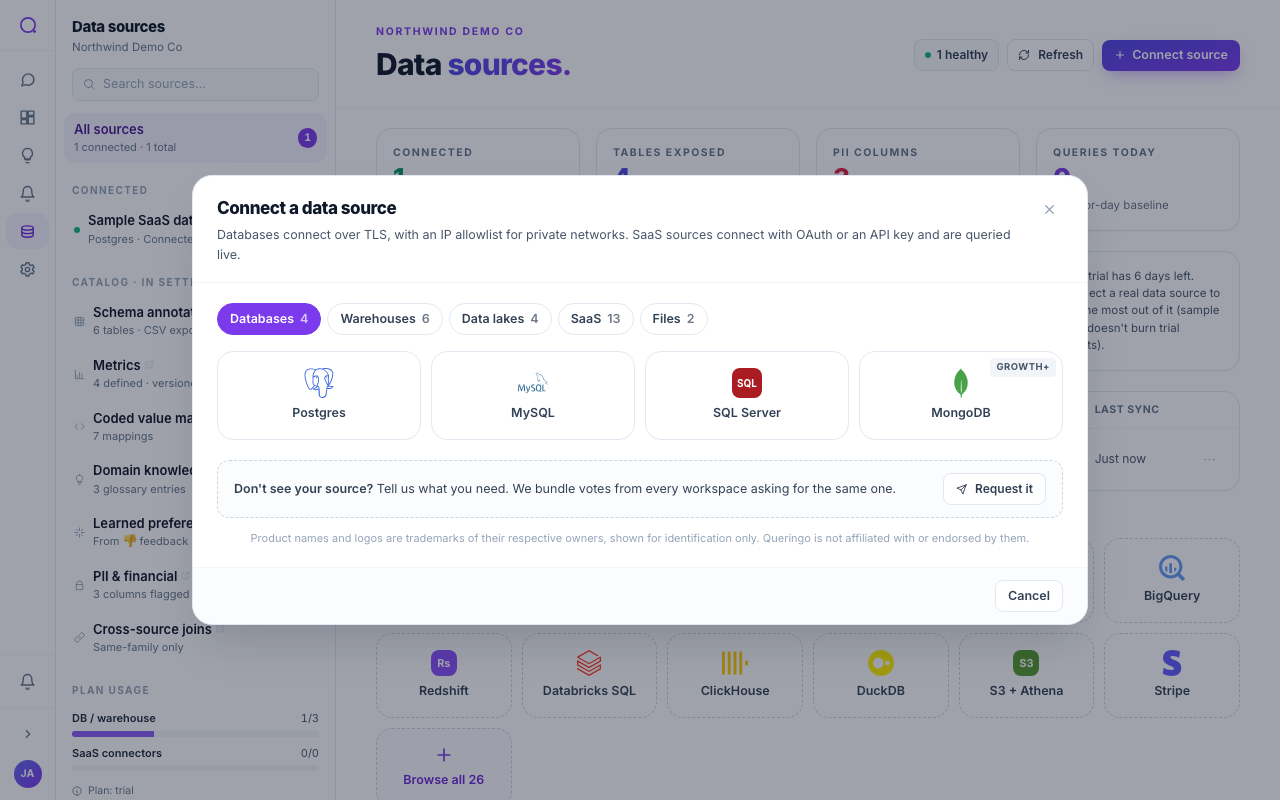
Supported data lakes
| Source | Auth | Plan | Notes |
|---|---|---|---|
| S3 + Athena | Credentials | Scale | Query S3 data through Athena. |
| Azure Data Lake | Credentials | Scale | ADLS Gen2 storage. |
| Databricks Unity Catalog | Token | Scale | Governed catalog over the lakehouse. |
| Iceberg / Delta | Credentials | Scale | Open table formats on object storage. |
Steps
- Pick your lake source
From Connect source, choose S3 + Athena, Azure Data Lake, Unity Catalog, or Iceberg / Delta.
- Provide access
Enter the storage and engine credentials, or the catalog token for Unity Catalog. Point Queringo at the catalog or database to read.
- Test and discover
Test the connection, then review the discovered tables.
Lake connectors read through a query engine or catalog rather than a direct database connection, so discovery reflects the tables that engine exposes.
What's next
For software-as-a-service products, see Managed connectors, or keep sources healthy with Managing sources.