Managed connectors
Connect software-as-a-service products like Stripe, Salesforce, HubSpot, GA4, and Shopify.
Managed connectors are our hosted layer for software-as-a-service products. Some connect with an API token you paste in; others use OAuth, where you authorize Queringo through the provider. Once connected, Queringo syncs the data and you query it like any other source.
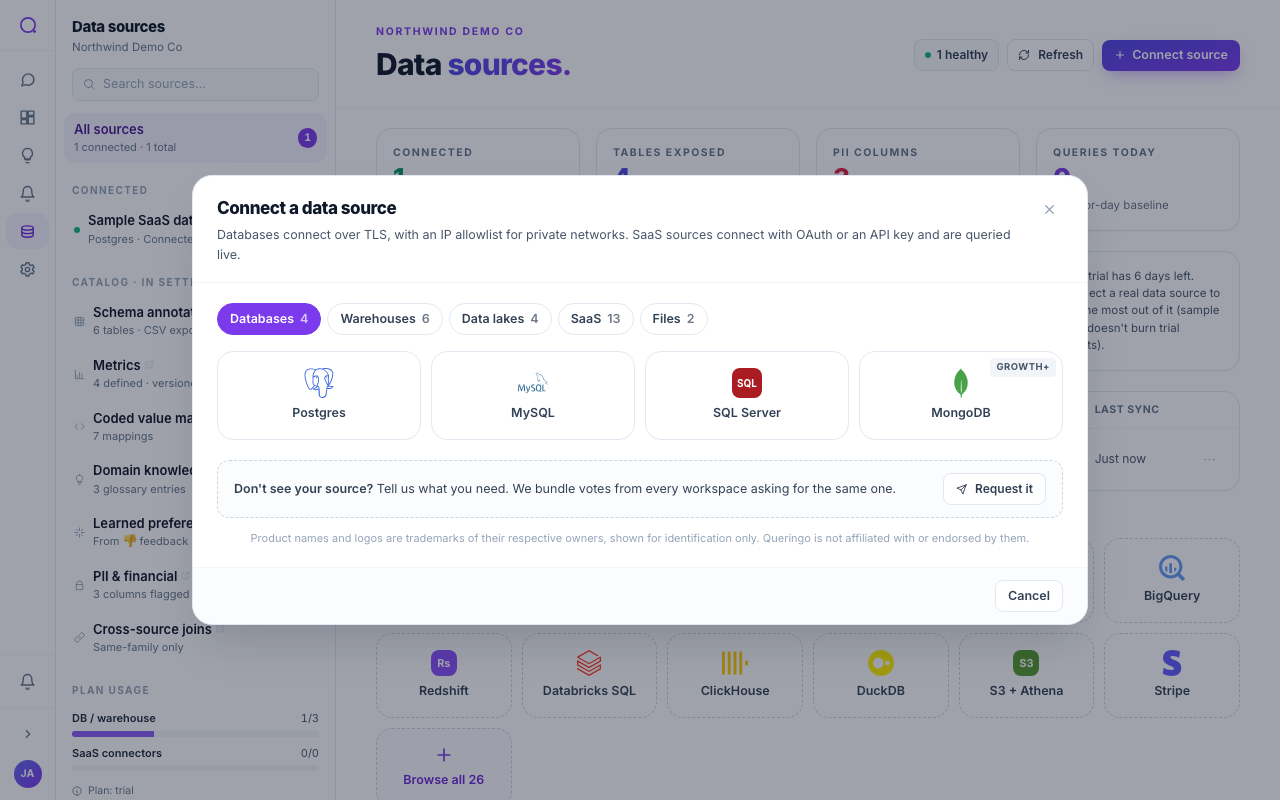
Supported connectors
| Connector | Auth | Plan | What it brings |
|---|---|---|---|
| Stripe | Token | Growth | Payments, subscriptions, MRR |
| Salesforce | OAuth | Growth | CRM accounts, opportunities, pipeline |
| HubSpot | OAuth | Growth | CRM and marketing |
| GA4 | OAuth | Growth | Web and product analytics |
| Shopify | Token | Growth | Orders, products, customers |
| WooCommerce | Token | Growth | WordPress e-commerce |
| BigCommerce | Token | Growth | E-commerce store data |
| Square | Token | Growth | Payments and point of sale |
| Magento | Token | Scale | E-commerce store data |
| QuickBooks | OAuth | Growth | Accounting and finance |
| Zendesk | Token | Growth | Support tickets |
| NetSuite | Token | Scale | ERP and finance |
| Google Sheets | OAuth | Growth | Spreadsheet data |
Token connectors: what to paste
Token-based connectors ask for provider-specific credentials. A few examples:
- Stripe: a secret key (
sk_test_…in test mode orsk_live_…). - Shopify: your shop domain (
acme.myshopify.com) and an Admin API access token (shpat_…). - WooCommerce: the store URL plus a consumer key and consumer secret.
- Zendesk: your subdomain, an agent email, and an API token.
- NetSuite: the account ID and an access token.
OAuth connectors
For Salesforce, HubSpot, GA4, QuickBooks, and Google Sheets you authorize Queringo through the provider's consent screen. No keys to copy. Revoke access any time from the provider or by disconnecting the source in Queringo.
Use a dedicated, least-privilege API user or app where the provider supports it, so Queringo's access is easy to audit and revoke.
What's next
See Files for spreadsheet uploads, or Rotating credentials to refresh a token later.