PII detection & masking
How Queringo flags sensitive columns and masks them in results.
Queringo detects personal and financial data and masks it by default, so sensitive values stay protected while your team still gets answers.
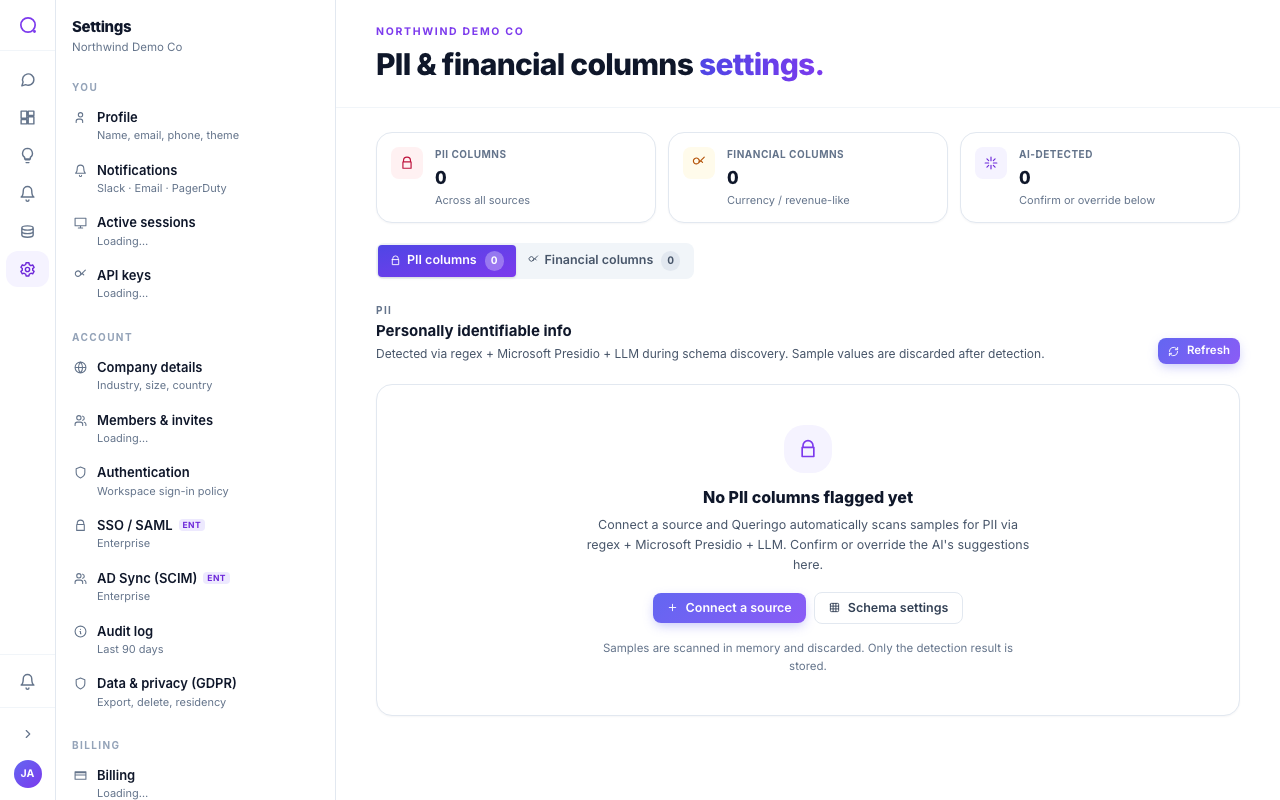
Detection
During schema discovery, columns that look like personal or financial data are flagged automatically. You can refine these flags, and add or remove them, in PII & financial settings.
Masking
Each sensitive column has a mask strategy:
| Strategy | Result |
|---|---|
| None | Value shown as-is |
| Masked | Fully hidden |
| Hash | A stable hashed token |
| Last 4 | Only the last four characters |
| Initials | Initials only |
| Subnet | IP reduced to its subnet |
Masked values render as tokens. Members without explicit permission to view raw values only ever see the masked form.
Exports
Data exports always mask PII tokens, regardless of who runs the export, so sensitive values never leave in the clear.
Viewing raw PII is a distinct permission. Grant it only to roles that genuinely need unmasked values. See Permission groups & sharing.
What's next
Understand record-keeping in Audit log retention.