Profile
Manage your name, email, password, two-factor, phone, and theme.
Your profile holds your personal account details and security settings. It is separate from workspace settings, so changes here follow you across workspaces.
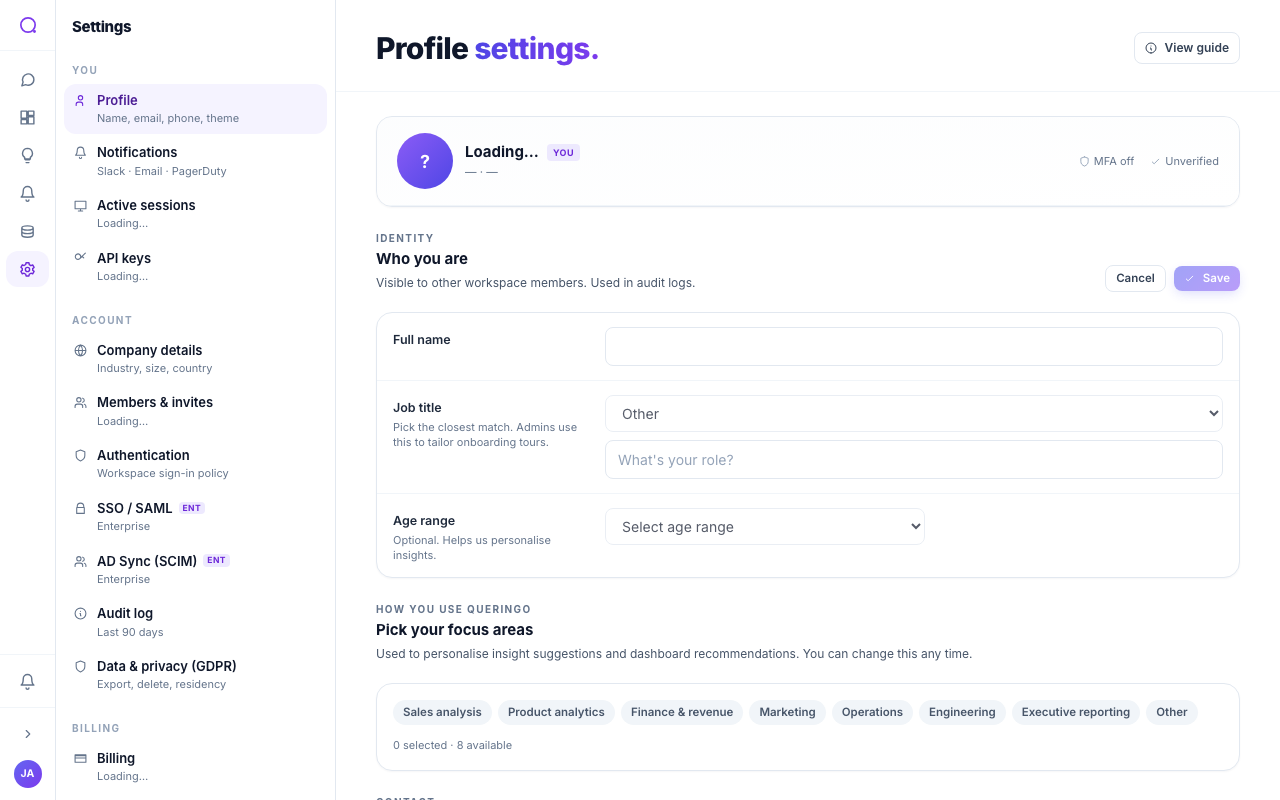
What you can set
- Identity
Full name, job title, and primary use cases. These personalize suggestions and are shown to teammates.
- Email
Change your email through a verification step; a badge shows whether it is verified.
- Password and two-factor
Set or change your password (at least 10 characters, mixed case, a number, and a symbol). Manage your authenticator app and recovery codes.
- Phone
Add and SMS-verify a phone number for security and critical alerts.
- Theme
Choose light, dark, or system appearance.
Security actions
- Sign out other devices keeps you signed in here and ends every other active session. We confirm the count first, and tell you when there is nothing to sign out.
- Sign out everywhere ends every session, including this one, and returns you to the sign-in page. Use this when you suspect a session was compromised.
- Delete account starts account deletion (see Privacy).
The detailed list of devices, with per-device sign-out and rename, lives on Active sessions.
What's next
Set where notifications reach you in Notifications.