Data sources
Files
Upload CSV and Excel files to query them like any other source.
Updated May 27, 2026
No database? Upload a spreadsheet. Queringo loads CSV and Excel files into a local analytics engine so you can ask questions about them right away.
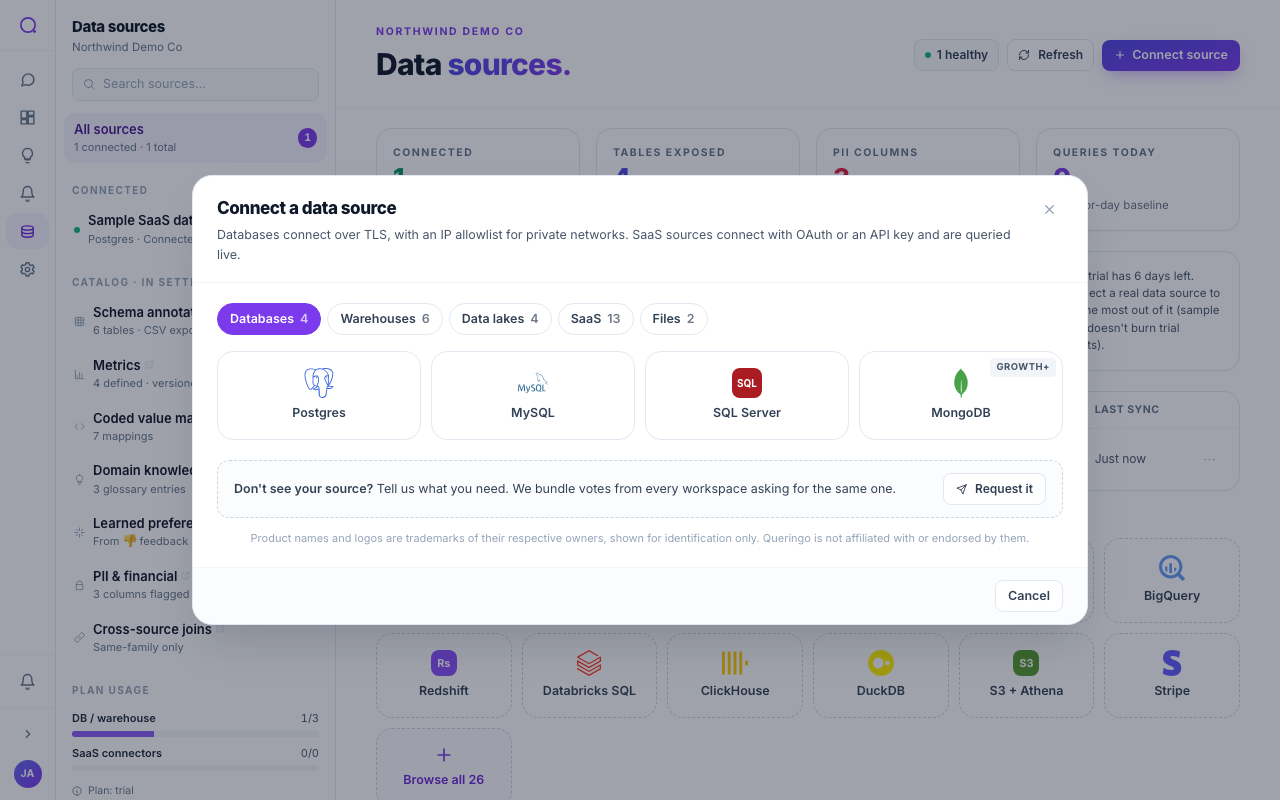
Supported uploads
| Type | Auth | Plan |
|---|---|---|
| CSV upload | Upload | Starter |
| Excel upload | Upload | Starter |
Steps
- Choose CSV or Excel
From Connect source, pick CSV upload or Excel upload.
- Upload your file
Select the file. Queringo reads the columns and infers types.
- Review the schema
Confirm the detected columns and types, then finish. The file becomes a queryable source.
Give your columns clear header names in the first row. Good headers help the AI map your questions to the right fields.
Notes
- Uploaded files are backed by a local analytics engine (DuckDB) rather than a live connection, so they do not sync. Re-upload to refresh the data.
- For ongoing data, connect a database, warehouse, or managed connector instead.
What's next
See Managing sources to refresh or remove a source.