Settings
Invoices
View and download your billing invoices.
Updated May 27, 2026
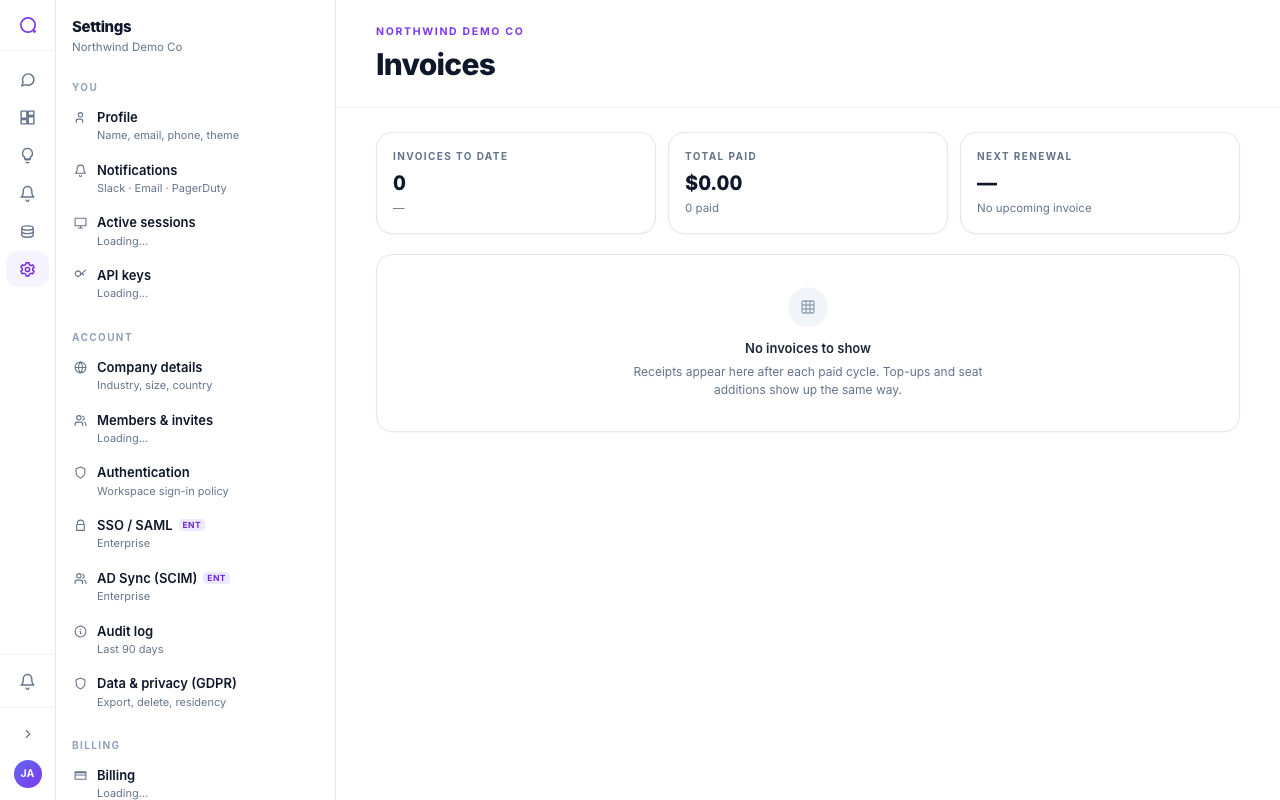
Invoices lists your billing documents with their status, so you can review charges and download PDFs.
What you can do
- Filter by status
Show all invoices, or filter to Paid, Open, or Upcoming.
- Review and download
Open a row to see line items, or download the invoice PDF.
- Check the summary
Summary stats show the count and totals paid and open.
Invoices are generated by the billing provider. For the underlying plan and usage, see Billing & usage.
What's next
Tune the AI in AI preferences.