Settings
Privacy
Export your account data or schedule account deletion.
Updated May 27, 2026
Privacy settings give account admins control over data export and account deletion, in line with data-protection requirements.
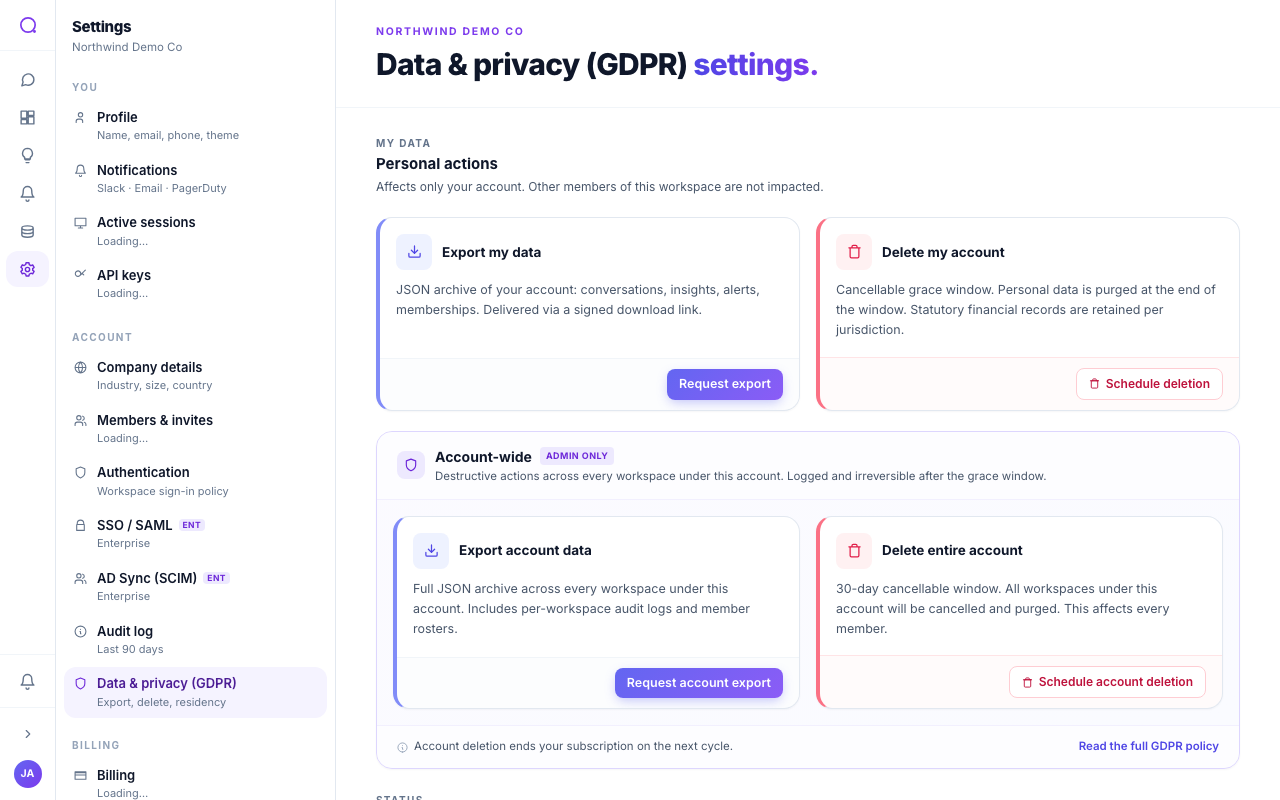
What you can do
- Export account data
Request a full archive (workspace data, member rosters, and audit logs) as JSON. The request builds in the background; you download it when ready.
- Delete the account
Schedule deletion of the account and all its workspaces. There is a cancellable grace period before data is permanently purged.
Account deletion removes every workspace and cannot be undone after the grace period ends. Export first if you need a copy.
What's next
See GDPR lifecycle and export for the data lifecycle, or curate your data starting with Schema annotations.