Onboarding overview
The guided first-run flow that takes you from a new account to your first answer.
When you create an account, Queringo walks you through a short guided setup. Each step is optional to perfect later, but following them in order gets you to a working first answer fastest. This page maps the whole flow so you know what to expect.
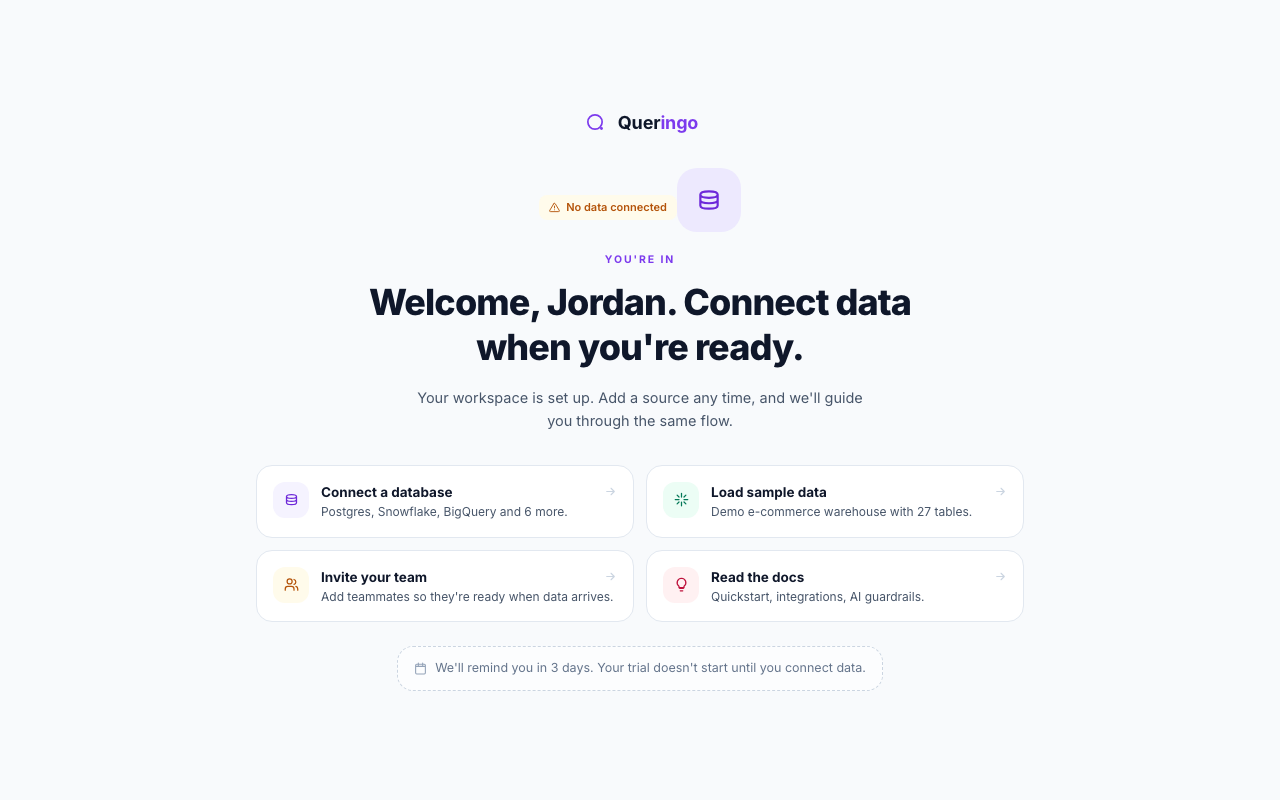
The steps
- Welcome
Confirms your workspace is ready and offers your next action: connect a database, load sample data, invite your team, or read the docs. See Welcome.
- Select workspace
Only shown if you belong to more than one workspace. Pick which one to open. See Select a workspace.
- Profile
Tells the AI about you and your company so it can recommend the right metrics. See Set up your profile.
- Connect a data source
Wire up a database or load the sample warehouse. See Connect a data source.
- Schema discovery
Review the tables Queringo found, with PII flagged and masked by default. See Schema discovery.
- First query
Ask your first question and see the SQL, results, and a short takeaway. See Run your first query.
Invited teammates skip the company and data-setup steps, since the workspace already has data. They go straight from profile to the app.
What's next
Start with Welcome, or jump to the Quickstart for the condensed version.