Managing sources
Refresh schemas, set sync schedules, test connections, and review what's exposed.
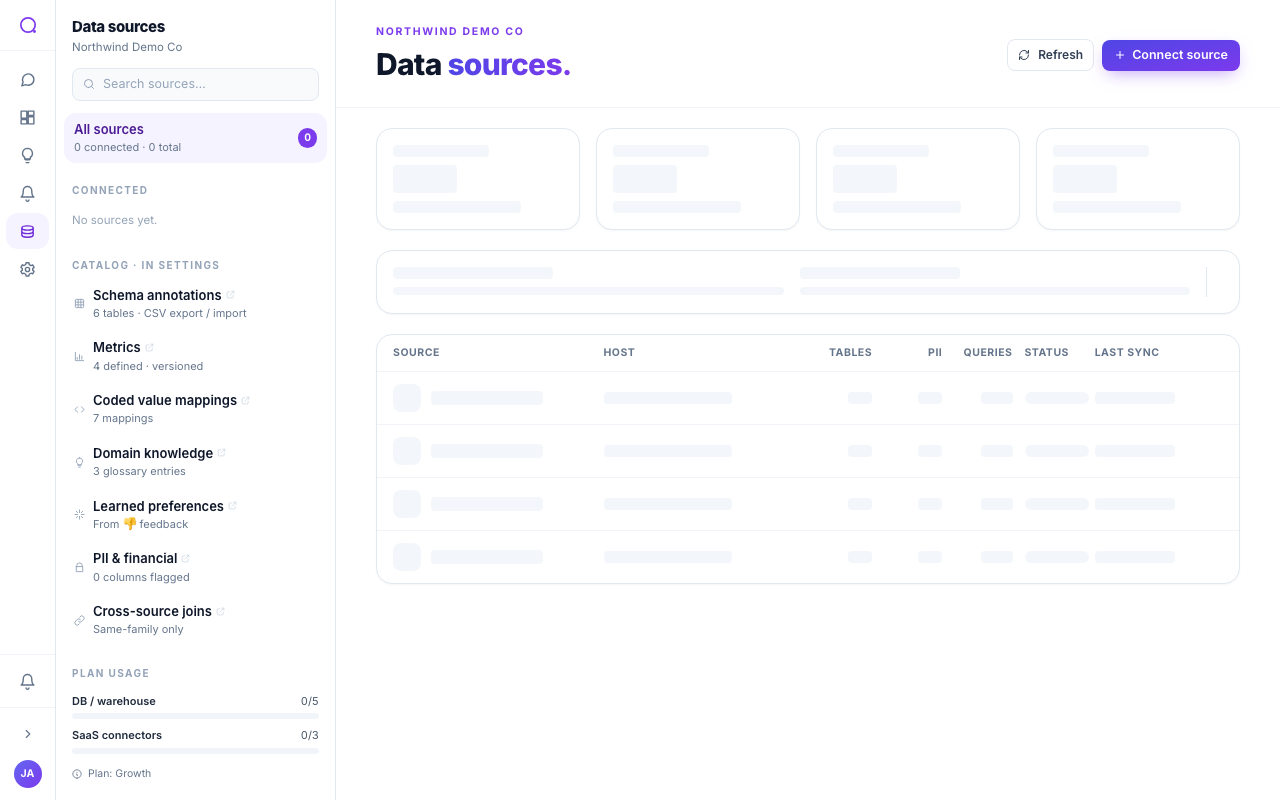
The Data sources page is where you keep connected sources healthy: see sync status, refresh schemas, test connections, and review which tables the AI can use.
What the page shows
- Status: Connected, or Discovering schema while a refresh runs.
- Last sync: when the schema was last refreshed.
- Stats: tables exposed, PII columns flagged, and recent query volume.
- Plan usage: how many database and connector slots your plan allows.
Common actions
- Refresh the schema
Choose Refresh on a source to re-introspect it after your schema changes. A source can also refresh on a schedule (manual, hourly, or daily).
- Test a connection
Re-run the connection test to confirm credentials still work.
- Review exposed tables
Open the source to see its tables and adjust which are exposed to the AI.
- Rotate or disconnect
Use the source's menu to rotate credentials or disconnect it. See Rotating credentials and Disconnecting a source.
Sync schedules
Each source has a refresh schedule: manual, hourly, or daily. Schema refresh updates the structure Queringo knows about; it does not copy your data, which is read at query time.
What's next
Keep credentials current with Rotating credentials.