Security
Permission groups & sharing
How roles, custom permission groups, and sharing control access.
Updated May 27, 2026
Access in Queringo is controlled by roles and permission groups, plus per-object sharing. Together they decide who can see and do what in a workspace.
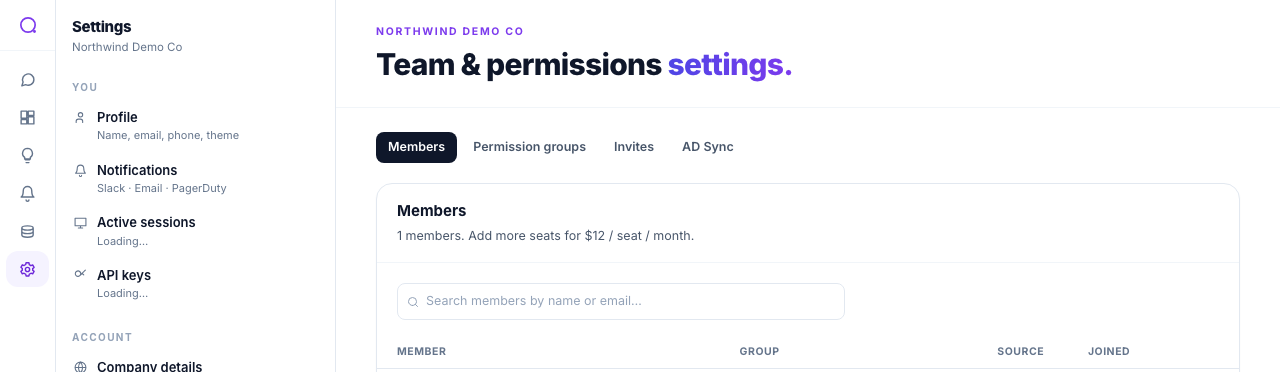
Roles
- Admin: full workspace access, including members, data sources, security, and billing visibility.
- Member: query data, build dashboards and alerts, and view shared resources, without member or billing management.
Custom permission groups
Beyond the presets, admins can create custom groups with granular permissions across areas such as workspace settings, data sources, schema, PII and financial policies, AI, queries, conversations, dashboards, alerts, insights, notifications, and API keys. System groups are read-only.
Sharing
Sharing is per-object on top of roles:
- Share conversations, dashboards, and insights with the workspace or specific people.
- Teammates can request edit access, which the owner approves or declines.
PII visibility is its own permission. A member can have access to a dashboard yet still see masked values unless they hold the permission to view raw PII. See PII detection & masking.
What's next
Harden sign-in with MFA.