Onboarding
Select a workspace
Choose which workspace to open when you belong to more than one.
Updated May 27, 2026
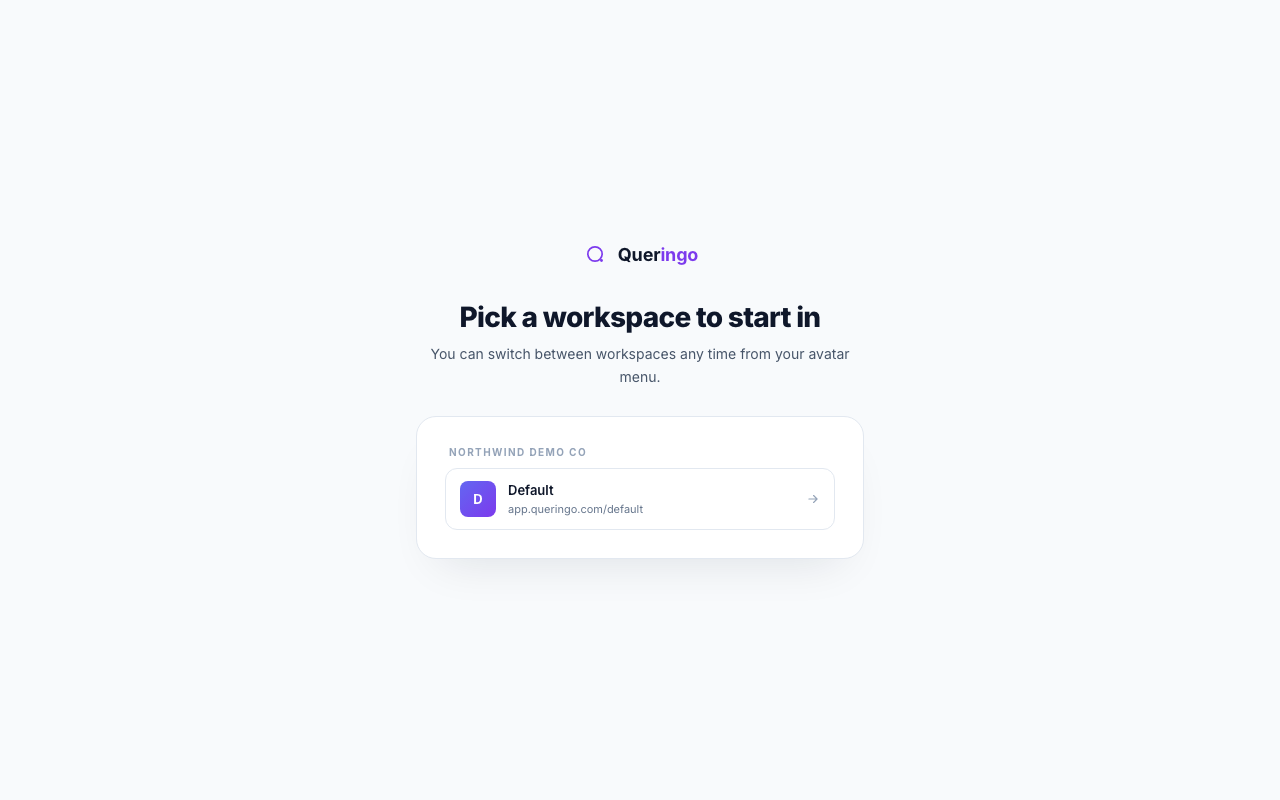
A workspace holds its own data sources, dashboards, and members. If you belong to more than one, Queringo asks which to open first. People with a single workspace skip this screen entirely.
Steps
- Review the list
Workspaces are grouped by organization. Each entry shows its name and its app address.
- Pick one to enter
Select a workspace to switch into it and land on Ask Data. The choice is not permanent.
Switching later
You can move between workspaces any time from the avatar menu in the app, so you are never locked into the one you pick here.
Troubleshooting
If the list is empty, you are not a member of any workspace yet. Ask your account admin to invite you, then sign in again.