Learned preferences
Review and clear the table preferences Queringo learns from member feedback, scoped to a member or the whole workspace.
Queringo learns from member feedback. When someone marks an answer down, picks the table it should have used, and asks it to remember the correction, that becomes a learned table preference that nudges similar future questions toward the right table. See Correcting a wrong answer for the member side.
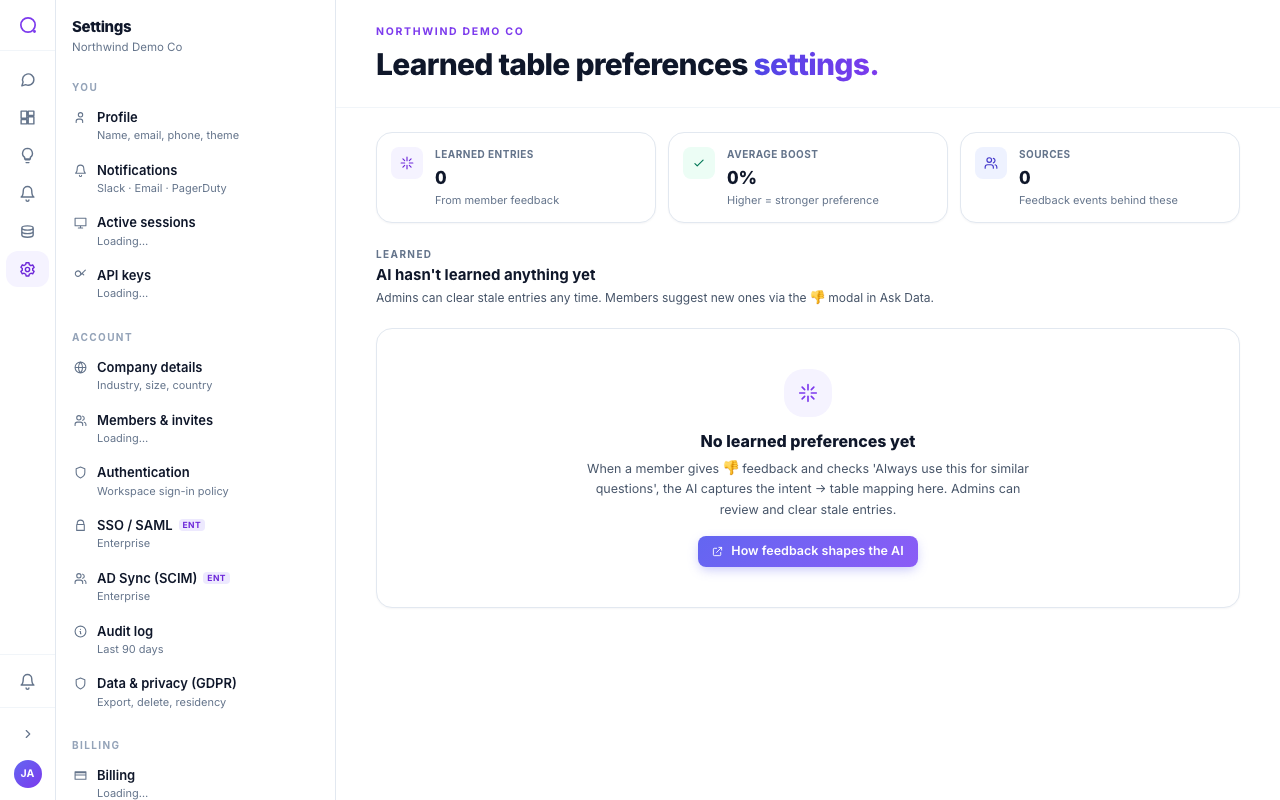
What you can do
- Review learned entries
Each row shows the question pattern, the preferred table (with its source), the boost strength, and who added it. A badge marks the scope.
- Clear an entry
Select Clear on a row to remove a single mapping that is steering answers the wrong way.
- Clear all
Select Clear all to remove every entry. You are asked to confirm first, since this can't be undone.
Reading a row
- Scope badge. Workspace means the mapping applies to everyone; Just you means it is your own personal preference, visible only to you.
- Preferred table. Shown as
source.schema.table. If the table or its source has since been removed, the name is struck through and marked Removed, so you can clear the stale entry. - Boost. A multiplier (for example
2.0x) that grows each time the same question and table are confirmed. A higher boost wins when more than one mapping could apply.
Entries are built from natural product usage (the thumbs-down feedback control), not configured by hand. Question text is stored encrypted. Clearing and the bulk clear require the AI configuration permission.
Notifications
When a member adds a workspace mapping, admins get an in-app notification naming the member and the suggestion, so you can review it here and clear it if it isn't the right default. Personal ("Just you") mappings do not notify anyone.
What's next
Connect tables across sources in Cross-source joins, or see how members teach mappings in Correcting a wrong answer.